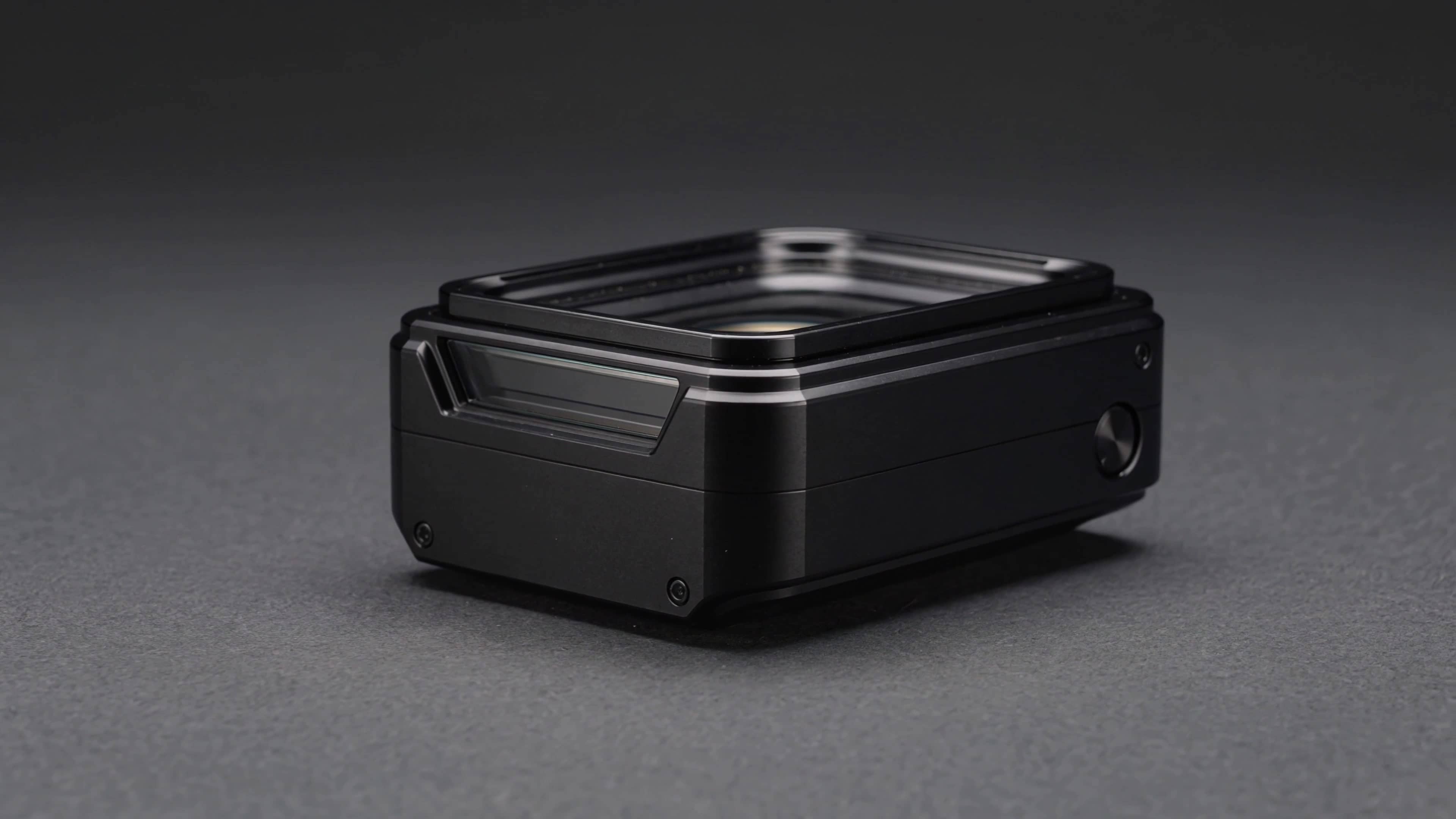
4K reference
$2.73
5s · 4k
KLING NATIVE 4K DELIVERY ROUTE
Native 4K delivery for approved image-to-video shots, product masters, and final campaign renders.
Use Kling 3 4K after the prompt or start frame is approved and the shot needs native 4K output for delivery, editing or large-screen review. Use Kling 3.0 Omni 4K when references should guide the shot without opening it.
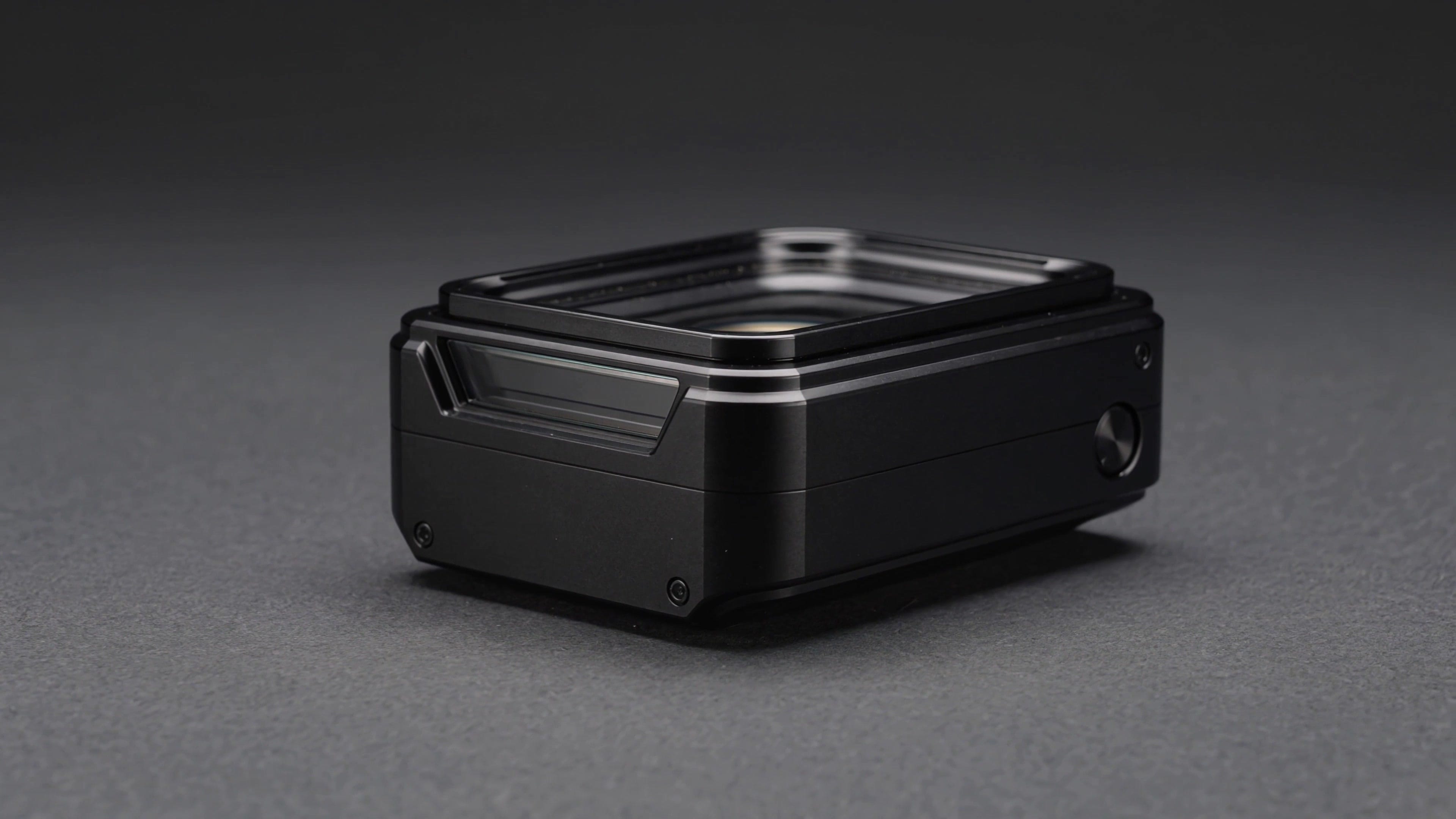
Kling 3 4K example
Native 4K delivery render
Native 4K output
Generate delivery-grade output directly on the 4K route.
Text or image
Use the approved prompt or image reference for the final pass.
Final masters
Reserve 4K for approved ads, product shots and campaign masters.
Audio option
Use native audio when the final render needs sound context.
Max 15s
Render short approved clips up to 15 seconds.
Pay-as-you-go
See exact live price before you generate.
Preset native 4K totals - see the exact live price in the app before you generate.
$2.73
5s · 4k
$5.46
Most popular10s · 4k
$8.19
15s · 4k
15s
Native 4K route
All prices are MaxVideoAI display prices in USD credits for preset scenarios.
Review approved Kling shots that deserve native 4K output: product masters, premium ads, large-screen edits, and high-resolution image-to-video approvals.
See final delivery renders possible with Kling 3 4K.
Open the app with Kling 3 4K and reuse the approved prompt.
Turn audio on only when it belongs in the delivery file.
Keep product, framing and composition stable in image-to-video.
Reserved for approved shots where 4K detail justifies the cost.
Use Kling 3 4K after the creative direction is validated. Draft in Standard or Pro before paying for final delivery.
Lock the source frame, product details and final composition before rendering the 4K version.
Stay on Kling 3 Standard or Pro until the shot recipe is approved.
Kling 3 4K works best as a final delivery pass. Start from an approved prompt or start frame, lock framing and duration, decide whether audio belongs in the master, then render only the selected shot in native 4K.
Bring a validated shot plan into 4K instead of exploring from scratch.
Use a clean source image when product framing or visual identity matters.
Choose 16:9, 9:16 or 1:1 based on the final placement.
Add audio only when the delivery file needs sound in review or export.
Validate lower first, then render 4K once the creative is approved.
Use this when the shot recipe is already approved.
Template (copy / paste)
Shot goal: [final delivery use: product master, campaign clip, large-screen review]
Subject: [approved product / character / scene]
Action: [one clean readable action]
Camera: [locked framing + one camera move]
Style: [approved lighting, palette, lens feel]
Delivery: native 4K, [duration], [aspect ratio], audio [on/off]
Final native 4K product master for a premium smartwatch on a dark graphite plinth. One slow dolly push reveals the screen reflection and polished metal edge. Locked 16:9 framing, crisp studio highlights, black background, no extra text, no logo changes. Audio off for editorial finishing.
Subject: Premium smartwatch product master • Action: Slow reveal of edge, reflection and screen detail
Camera: Locked 16:9 dolly push in native 4K • Style: Minimal studio, graphite surface, crisp product highlights
Audio: Audio off for editorial finishing
Native 4K Kling 3 delivery render, 16:9, 6 seconds, audio off.
A premium smartwatch rests on a dark graphite plinth in a minimal studio.
One slow dolly push reveals the polished edge, glass reflection and screen detail.
Locked product framing, crisp highlights, clean black background, no added text or logo changes.
Use this only after the composition and timing are approved in Standard or Pro.

Best practices, cost controls and delivery limits for final native 4K renders with Kling 3 4K.
These side-by-side comparisons break down price, resolution, audio, speed, and motion style so you can pick the right engine fast.
Each page includes real outputs and practical best-use cases.
Use Pro for the main creative pass, multi-shot control, and lower-cost 1080p approvals before final 4K export.
Compare Kling 3 Pro vs 4K ->Use Standard for prompt testing and storyboard variants before spending on Pro or 4K.
Compare Standard vs 4K ->The limits that shape your renders.
Built-in safeguards and best practices for responsible final delivery with Kling 3 4K.
Yes. Kling 3 4K is the native 4K delivery route on MaxVideoAI for selected text-to-video or image-to-video shots.
Use Kling 3 Pro for most creative validation and 1080p approvals. Use Kling 3 4K only when the approved shot needs native 4K final delivery.
Yes. The current MaxVideoAI route supports image-to-video from one source image, with an optional end frame where exposed by the active route.
Yes, audio can be toggled and lip sync is supported. Keep dialogue short and face framing stable when lip sync matters.
The route is short-form, with duration options up to 15 seconds. Confirm the final duration and quote in Generate before rendering.