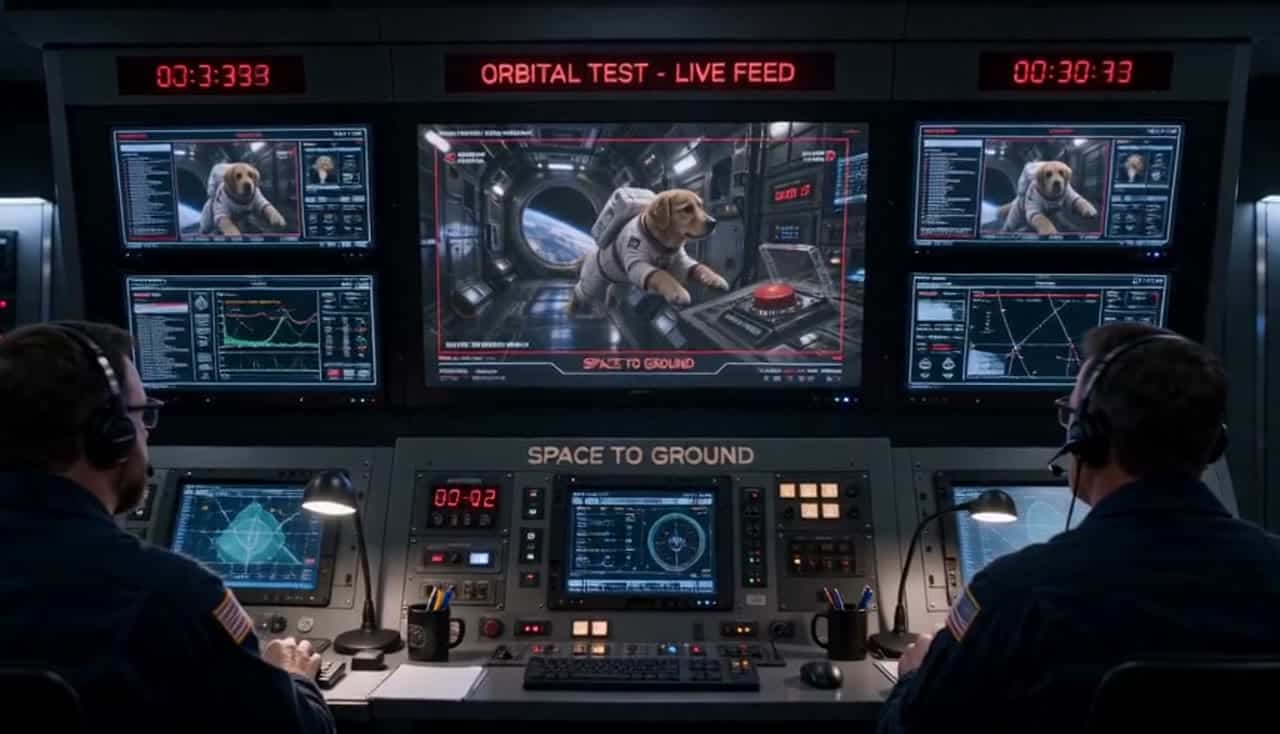
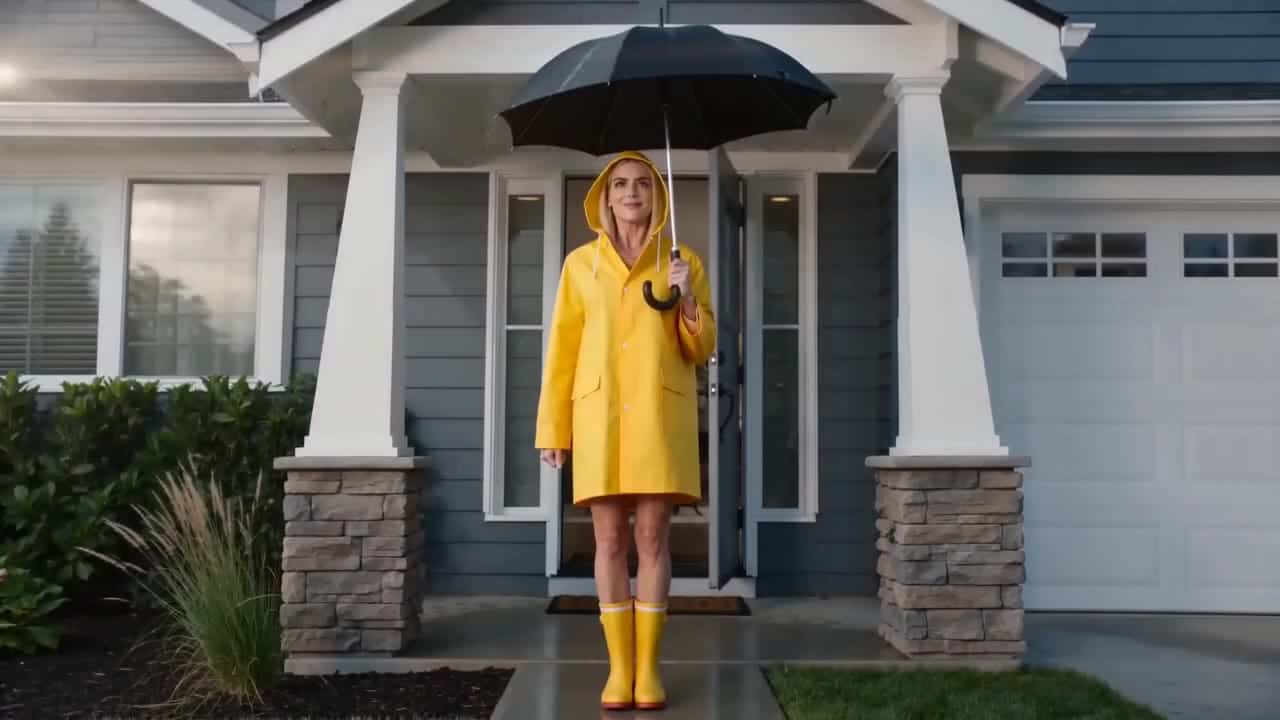
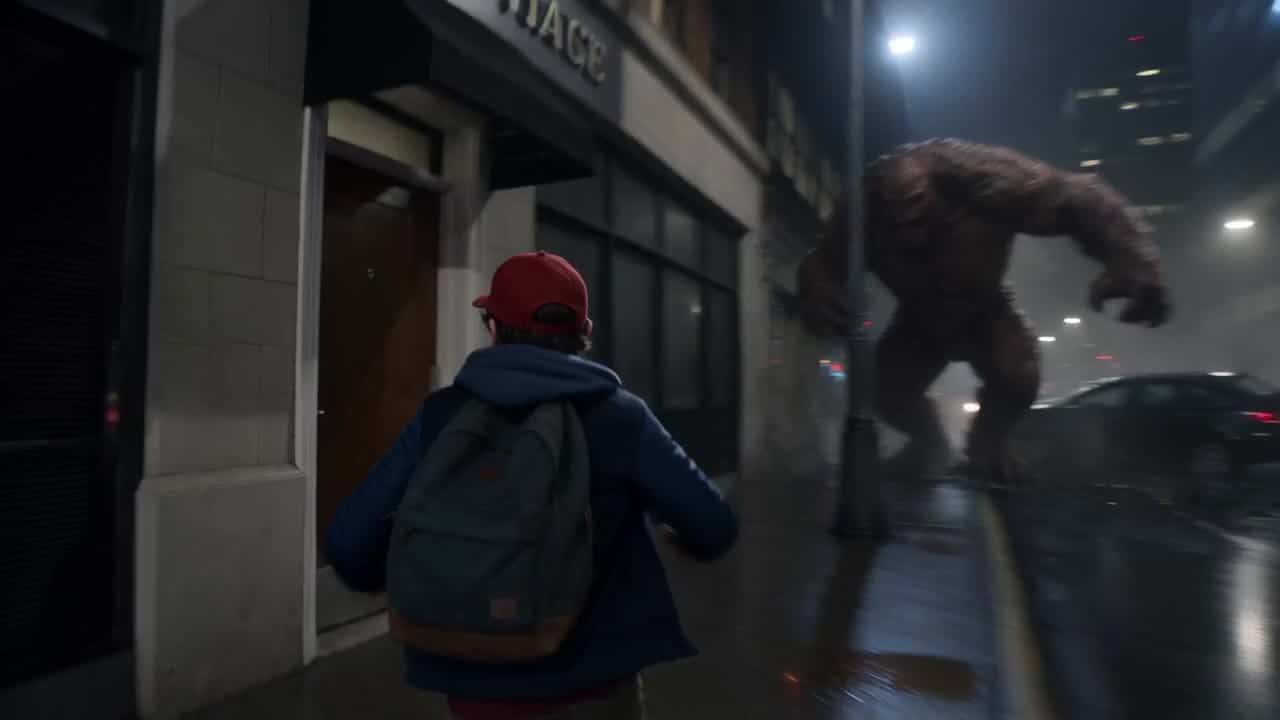
Seedance 2.5 supports 4–30 second videos up to 1080p, generated audio, references, editing and extension. Seedance 2.0 remains available for 4K; Fast offers ordinary iteration renders and Mini focuses on value-oriented batches. Earlier 1.5 Pro videos remain labeled, although new 1.5 generations are closed. Seedance 2.5 Flash adds a distinct 4–30 second workflow at 480p or 720p. Standard 2.5 keeps its 1080p and native Draft-to-final options; earlier Seedance examples retain their actual model and settings.
01
Prompt patterns across Seedance models
For Seedance 2.5, define one core action, camera direction and reference role before adding scene detail. Keep the same prompt structure when comparing 2.5 with Seedance 2.0, Fast or Mini. For Flash, give each image, video or audio reference a clear role. Describe the action in order, then the camera and sound. Keep the source clip separate when editing or extending a video.
02
Strengths and limits by model
Use Seedance 2.5 when longer duration, generated audio, mixed references, editing or extension matter. Its public MaxVideoAI route supports landscape, square and vertical output at 480p, 720p or 1080p; keep Seedance 2.0 when 4K delivery is required. Flash accepts up to 10 images, 5 videos and 5 audio references, including audio-only references. MP4 and MOV outputs are available. It does not provide 1080p, 4K or native Draft-to-final. Compare the complete result and the current quote, not the variant name.
03
Pricing notes (varies by model)
Duration, audio and source media can influence the price. The example detail shows its current price estimate; the generator shows the current quote for your selected settings before you launch.
Are all Seedance examples on this page generated with Seedance 2.5?+
No. The gallery keeps factual labels for Seedance 2.5, Seedance 2.0, Fast, Mini and historical 1.5 Pro renders so you can compare the actual route used. New 1.5 generations are closed.
Which Seedance model should I start with for examples and prompt testing?+
Start with Seedance 2.5 for the current flagship workflow up to 1080p. Use Seedance 2.0 for 4K intent, Fast for quicker drafts, and Mini for repeatable batch variants.
What settings affect Seedance video pricing most?+
Duration, generated audio and the use of a source video have the greatest impact on the price. Keep those settings aligned when comparing routes.
How should I compare Seedance 2.5 Flash and standard examples?+
Keep each clip’s model, prompt and settings together. Flash outputs 480p or 720p for 4–30 second scenes; standard 2.5 also offers 1080p and native Draft-to-final. Reference limits differ. Use the standard-versus-Flash comparison and check a new quote before recreating a scene.