
Storyboard pass
$1.10
5s · 1080p · audio on
KLING PRO VIDEO MODEL
Storyboard control, native audio, and 15s 1080p production clips for structured sequences.
Use Kling 3 Pro when you need text-to-video or image-led shots with strong narrative control: 3 to 15 seconds, 1080p output, three aspect ratios, negative prompts, CFG scale and optional end-frame guidance.
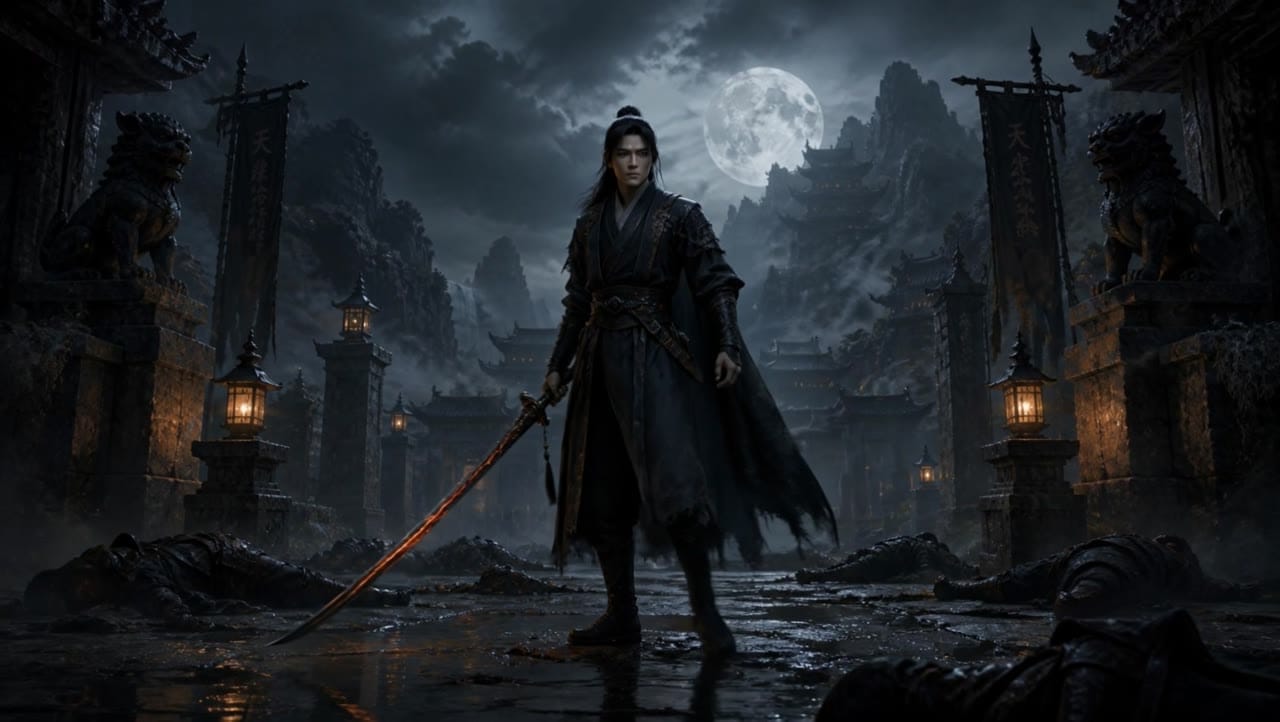
Kling 3 Pro example
Controlled 1080p production sequence
Storyboard control
Structure scene beats and camera direction for narrative shots.
Native audio
Keep audio on for synchronized ambience and production context.
3-15 seconds
Pick the exact duration range exposed in MaxVideoAI.
1080p output
Use the dedicated 1080p route for production review and publishing prep.
Image and end frame
Start from an image and optionally steer the ending frame.
CFG and negative prompt
Tune prompt adherence and suppress unwanted artifacts.
Audio-on 1080p preset totals - see the exact live price in the app before you generate.
$1.10
5s · 1080p · audio on
$2.19
Most popular10s · 1080p · audio on
$3.28
15s · 1080p · audio on
15s
Up to 15s at 1080p
All prices are MaxVideoAI display prices in USD credits for preset scenarios.
Recent Kling 3 Pro renders with multi-shot prompts, Elements, and voice control.
See premium sequences possible with Kling 3 Pro — current Kling model for multi-shot video and scene control.
Open the app with Kling 3 Pro and reuse the setup.
Use native audio, lip sync and voice IDs when the shot needs it.
Stabilize subject, product and landing frame with Elements.
Use Pro when fidelity and stability matter more than draft cost.
Choose Kling 3 Pro for storyboard-style control, longer 15s clips, native audio and precise 1080p shots.
Use clear scene beats, a negative prompt, CFG scale and an optional end frame when the camera path needs guardrails.
Compare Kling 3 Pro with Veo 3.1 when choosing between longer controlled sequences and short premium polish.
Kling 3 Pro rewards storyboard-style prompting with multi_prompt, reusable Kling Elements anchors, optional end frame, and short native-audio cues. Think like a shot planner, not a prose writer.
Source: Kling 3.0 Prompting Guide
Write a compact storyboard with subject, scene beats, camera and audio direction.
Use image mode when identity, product shape or composition must start from a still.
Add an ending image when the final pose or product placement needs to be controlled.
Call out blur, distortion, extra limbs or off-brand details to reduce unwanted output.
Adjust adherence when a prompt needs either stricter control or more natural motion.
Use when you want one clean action with one camera move.
[One subject] [one visible action] in [setting], [framing + one camera move], [lighting/style].
Audio (optional): [ambience + 1 SFX cue OR one short line].
Negative: no text, no logos, no subtitles/overlays.
[One subject] [one visible action] in [setting], [framing + one camera move], [lighting/style]. Audio (optional): [ambience + 1 SFX cue OR one short line]. Negative: no text, no logos, no subtitles/overlays.
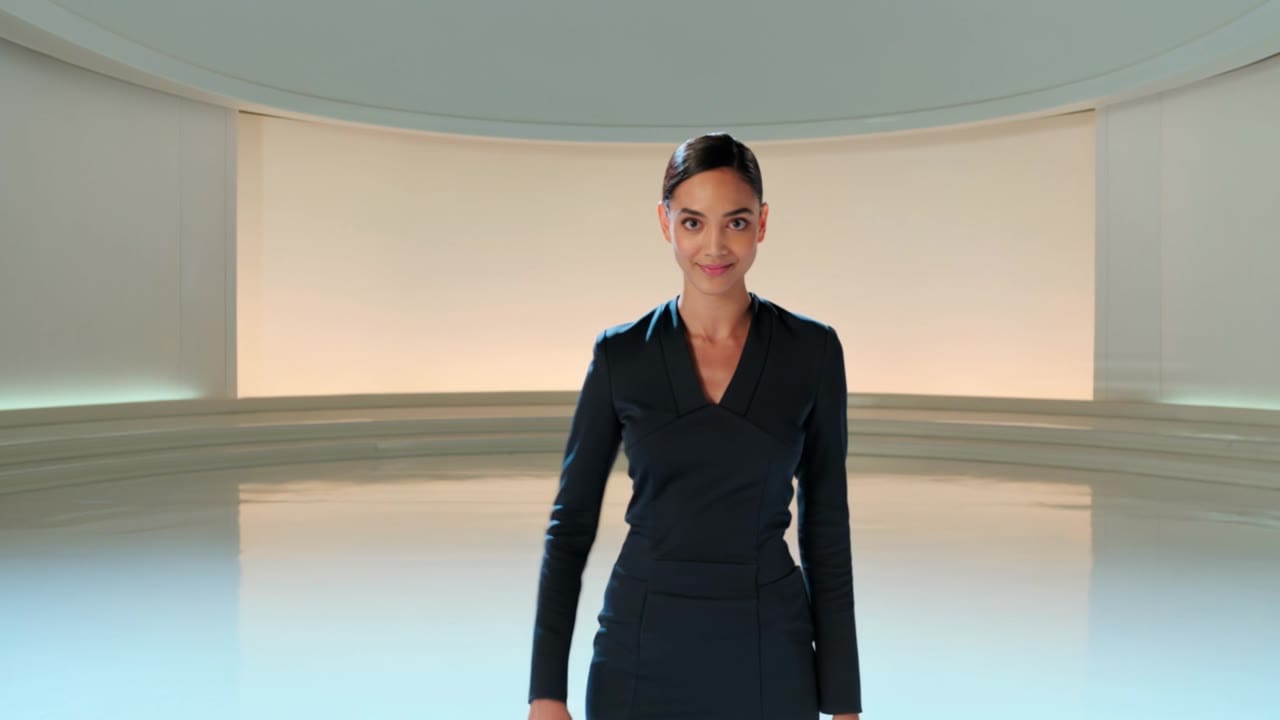
Subject: Product launch presenter • Action: Introduces a prototype and walks toward a demo screen
Camera: Three 1080p storyboard shots with stable tracking • Style: Premium studio, soft lighting, controlled reflections
Audio: Audio on: short voice-ID line and studio ambience
Duration: 12s • Aspect: 16:9 • Audio: on • shot_type: customize
@Element1 = female presenter in a navy blazer
@Element2 = translucent product prototype on a graphite plinth
Shot 1 (0-4s): medium shot of @Element1 holding @Element2, premium studio, soft key light, stable camera.
Shot 2 (4-8s): @Element1 walks toward a demo screen, smooth side tracking, same wardrobe and product anchors.
Shot 3 (8-12s): close-up of the prototype on the plinth, controlled reflections, camera settles on the final composition.
Audio: <<<voice_1>>> “Here is the next generation of our platform.” Quiet studio ambience, one soft UI chime. No text, no logos, no subtitles.
Before you generate
Lock the character, fix the viewpoint, or build the source still before you spend credits on motion.
Kling 3 Pro is most predictable when you plan it like a storyboard: simple shots, consistent elements, and short dialogue.
Two routes, one series. Pick the right one for your stage.
View Kling 2.6 Pro details →These side-by-side comparisons break down price, resolution, audio, speed, and motion style so you can pick the right engine fast.
Each page includes real outputs and practical best-use cases.
Use Kling 3 Standard for multi-prompt sequences, start-frame image-to-video, Kling Elements, and native audio at a lower $/s rate in 1080p.
Compare Kling 3 Pro vs Kling 3 Standard →Generate native 4K Kling 3 videos from text or images. Use Kling 3 4K for final delivery renders with 3-15s clips and native audio.
Compare Kling 3 Pro vs Kling 3 4K →Generate cinematic Veo 3.1 videos with text prompts, start-image animation, multi-reference guidance, optional last-frame control, and extend workflows in one unified MaxVideoAI model page.
Compare Kling 3 Pro vs Google Veo 3.1 →The limits that shape your renders.
Break a clip into timed shots for storyboard-level direction up to 15s.
Elements, voice IDs, and end frame help stabilize characters, props, and sound.
Built-in safeguards and best practices for responsible creation with Kling 3 Pro.
It lets you split a clip into multiple scenes with independent prompts and durations.
Kling Elements let you define characters or props once, then reuse them across shots to keep identity and object continuity steadier in the same clip.
Yes. Provide voice IDs to enable voice control (adds a small per-second fee).
Use one clear start frame when the image should visibly open the clip, keep one readable action per shot, and reuse the same Kling Elements anchors across scenes to reduce drift. Use Kling 3.0 Omni Reference when images should guide the shot without becoming the first frame.


