
Entry draft
$0.52
audio incl.
720P VIDEO + NATIVE AUDIO ROUTE
Synced audio, text-to-video and image-to-video for fast cinematic concepts, ads and social-ready scenes.
Use Sora 2 when you need a fast OpenAI video route for 720p concepts: short cinematic shots, image-led motion tests, native sound, and quick storyboard passes before moving final selects into Pro.
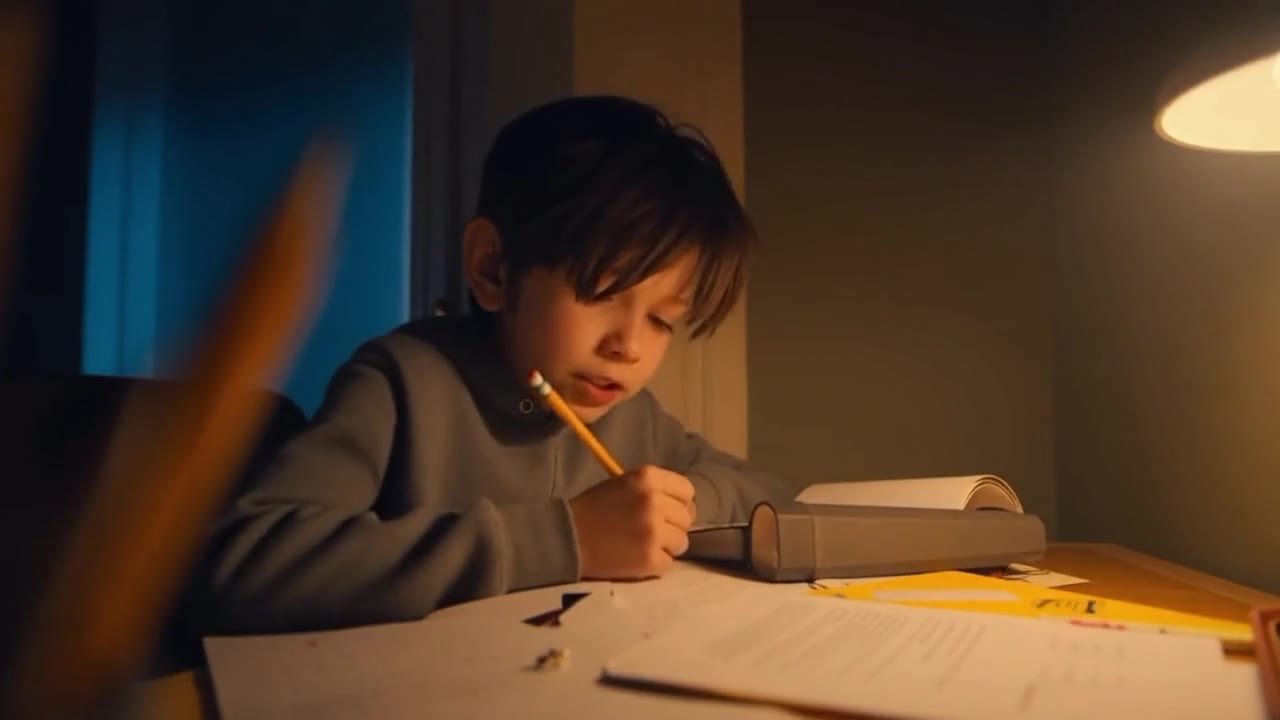
Sora 2 example
Cinematic concept with synced audio
Synced audio
Dialogue, ambience and SFX are generated with the clip.
Text-to-video
Start from a compact scene brief, camera direction and sound cues.
Image-to-video
Animate a single approved frame when look or framing matters.
720p route
Use Sora 2 for fast review loops before Pro finals.
Max 12s
Build one clear beat or a short two-beat sequence per render.
Pay-as-you-go
See exact live price before you generate.
Preset 720p totals - see the exact live price in the app before you generate.
$0.52
audio incl.
$1.04
Most popularaudio incl.
$1.56
audio incl.
$0 extra
Native audio included
12s
Up to 720p
All prices are MaxVideoAI display prices in USD credits for preset scenarios.
See a handful of live Sora 2 renders powered by the same settings you have in MaxVideoAI.
See what's possible with Sora 2.
Jump into the app with one click and reuse the setup.
Dialogue, ambience and SFX generated in sync.
Keep characters, style and scene consistency across sequences.
Built-in guardrails and safety filters for responsible review.
Use Sora 2 for faster 720p concept passes. Use Pro when the selected shot needs 1080p polish and tighter finishing control.
Upload one clean frame to lock composition, product shape or character direction before writing the motion brief.
Compare Sora 2 with Veo 3.1 or Kling 3 Pro when choosing between OpenAI concepts, Google polish and motion-control alternatives.
Sora 2 works best when you brief it like a cinematographer: one clear shot, simple timing, and visible actions.
Source: Official Sora 2 prompting guide
Write subject, action, camera, style and one or two sound cues.
Use one frame to anchor the opening composition, then prompt only the motion and audio.
Use 4s for hook tests, 8s for a full beat and 12s for short storyboard sequences.
Keep dialogue short and tie SFX to visible actions so sound stays useful.
Move winning Sora 2 concepts into Sora 2 Pro when you need final polish.
Use this for fast 4s hook tests.
[Subject] performs [one visible action] in [setting]. Camera: [one move]. Lighting: [time of day / mood]. Audio: [ambience + one SFX].
[Subject] performs [one visible action] in [setting]. Camera: [one move]. Lighting: [time of day / mood]. Audio: [ambience + one SFX].
Subject: Urban runner • Action: Tightens a smartwatch and accelerates through morning light
Camera: Watch close-up, side tracking shot, final face close-up • Style: Natural golden hour, premium lifestyle look
Audio: Rhythmic footsteps, short breath, soft optimistic music
8-second lifestyle spot: a 30-year-old runner with a smartwatch at sunrise in an urban park.
Shot 1 (2s): close-up on the watch as he tightens the strap, sun flare on the glass.
Shot 2 (4s): side tracking shot as he runs, warm light behind buildings.
Shot 3 (2s): close-up on his face glancing at the screen, slight smile, visible breath in cool air.
Lighting: golden hour, natural cinematic tones.
Audio: rhythmic footsteps + soft optimistic music.
Camera: dynamic handheld, 50mm feel.
Negative: no logos, no slow motion, no on-screen text.
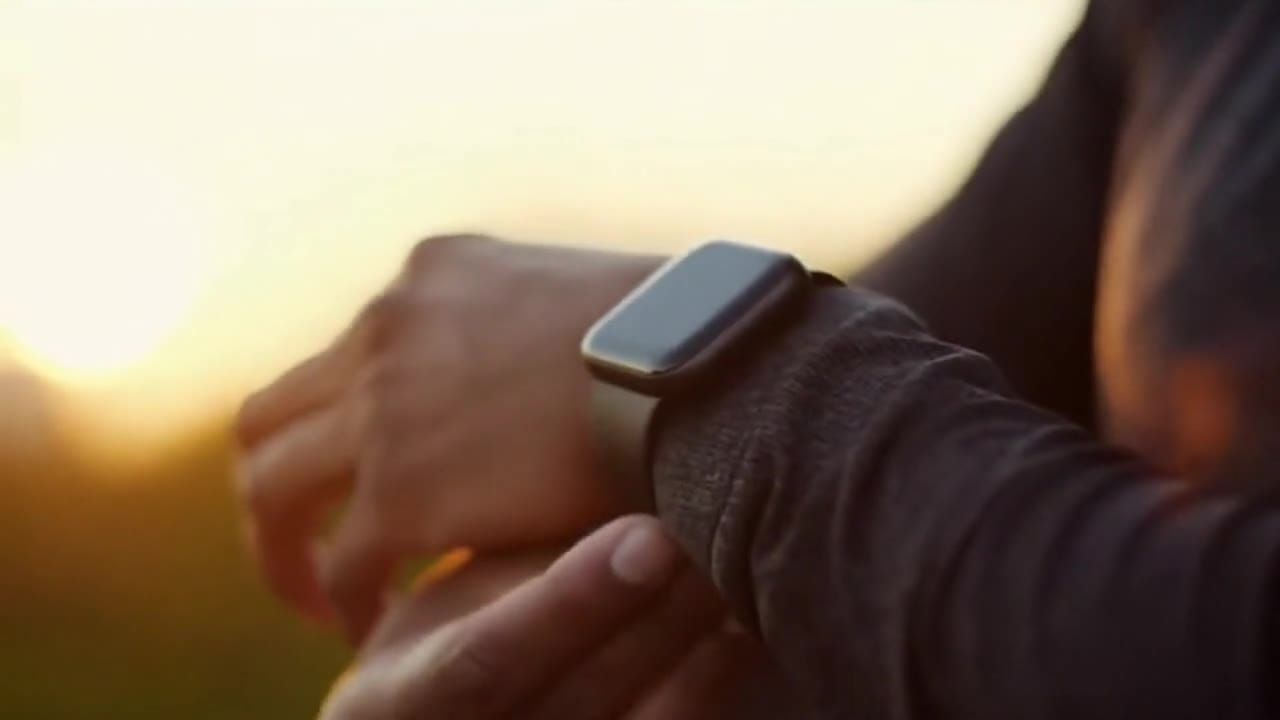
Sora is most predictable when you keep the shot simple, readable, and physical.
Two routes, one series. Pick the right one for your stage.
View Sora 2 Pro details →These side-by-side comparisons break down price, resolution, audio, speed, and motion style so you can pick the right engine fast.
Each page includes real outputs and practical best-use cases.
Move selected Sora 2 concepts into Sora 2 Pro when the shot needs 1080p review output, tighter finishing control and a more premium pass.
Compare Sora 2 vs Sora 2 Pro →Generate cinematic 8-second videos with native audio using Veo 3.1 by Google DeepMind on MaxVideoAI. Reference-to-video guidance, multi-image fidelity, pay-as-you-go pricing from $0.52/s.
Compare OpenAI Sora 2 vs Google Veo 3.1 →Use Kling 3 Pro when you want deeper scene control, multi-prompt sequencing, and another premium route beyond Sora for storyboard-heavy work.
Compare OpenAI Sora 2 vs Kling 3 Pro ->The limits that shape your renders.
This tier responds best to director-style prompts with clear beats and camera intent. Think actions and framing before style adjectives.
Audio is generated alongside the visuals, so rhythm can be shaped in the same prompt. Use quick variations to lock pacing before scaling.
Built-in safeguards and best practices for responsible creation with Sora 2.
Yes. Use Sora 2 from Europe, the UK and most locations where our service is available—no direct OpenAI invite needed.
The current MaxVideoAI Sora 2 route outputs 720p. Use Sora 2 Pro when the selected shot needs 1080p review output.
Yes. Upload a PNG/JPG/WEBP/GIF/AVIF frame (up to ~50 MB) and Sora 2 will animate it based on your motion-focused prompt.
This configuration is for text→video and image→video only. Combine multiple clips for longer edits.
Use image references from Nano Banana or your own design system, mention brand colors, and keep mood consistent across prompts.


