



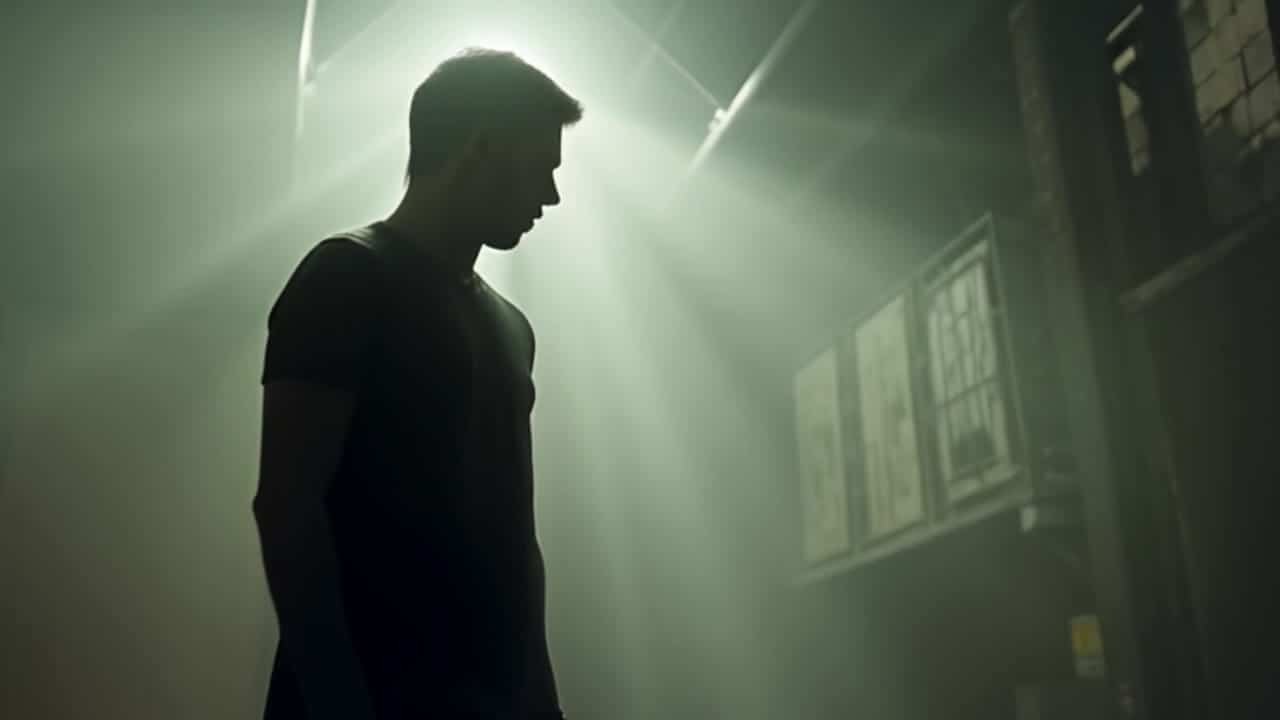
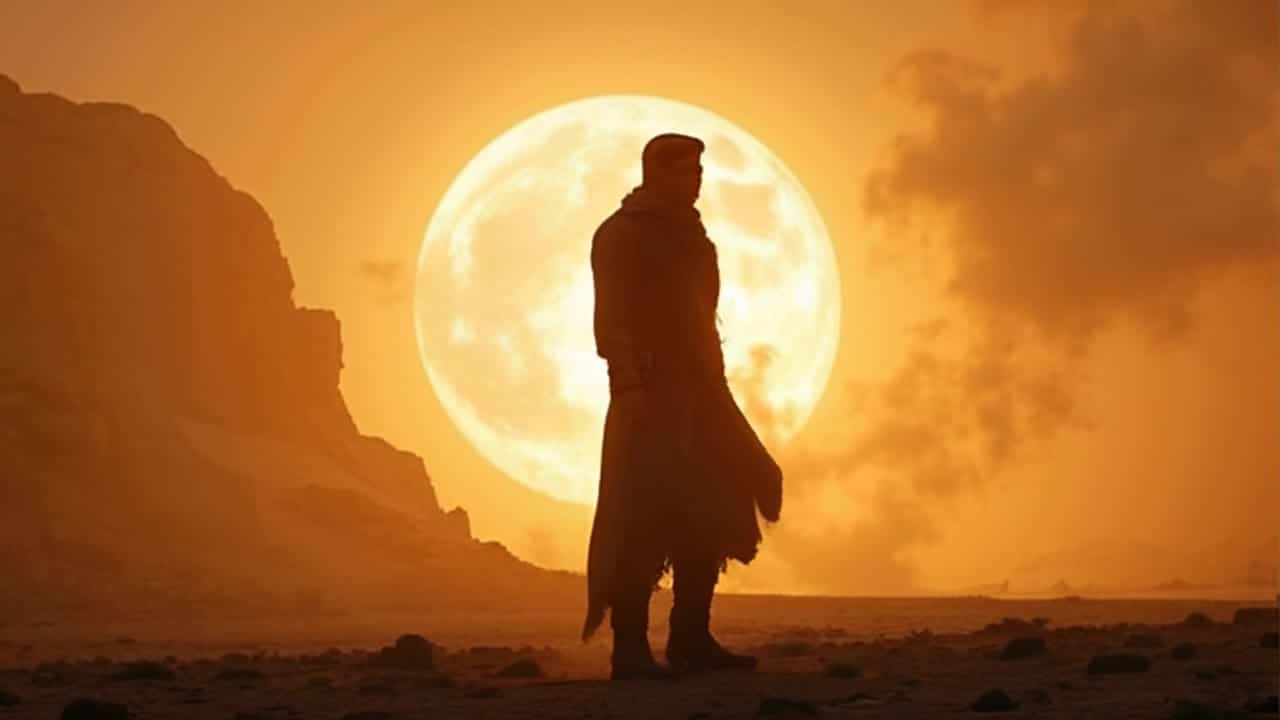
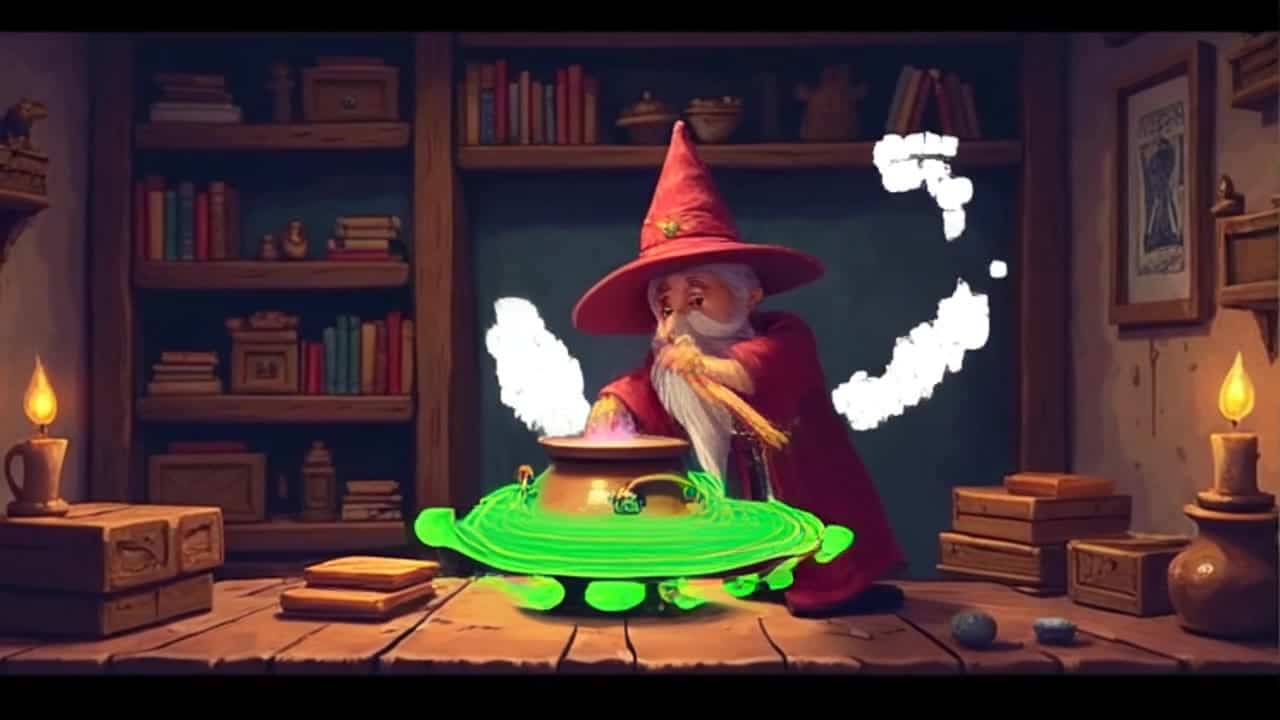


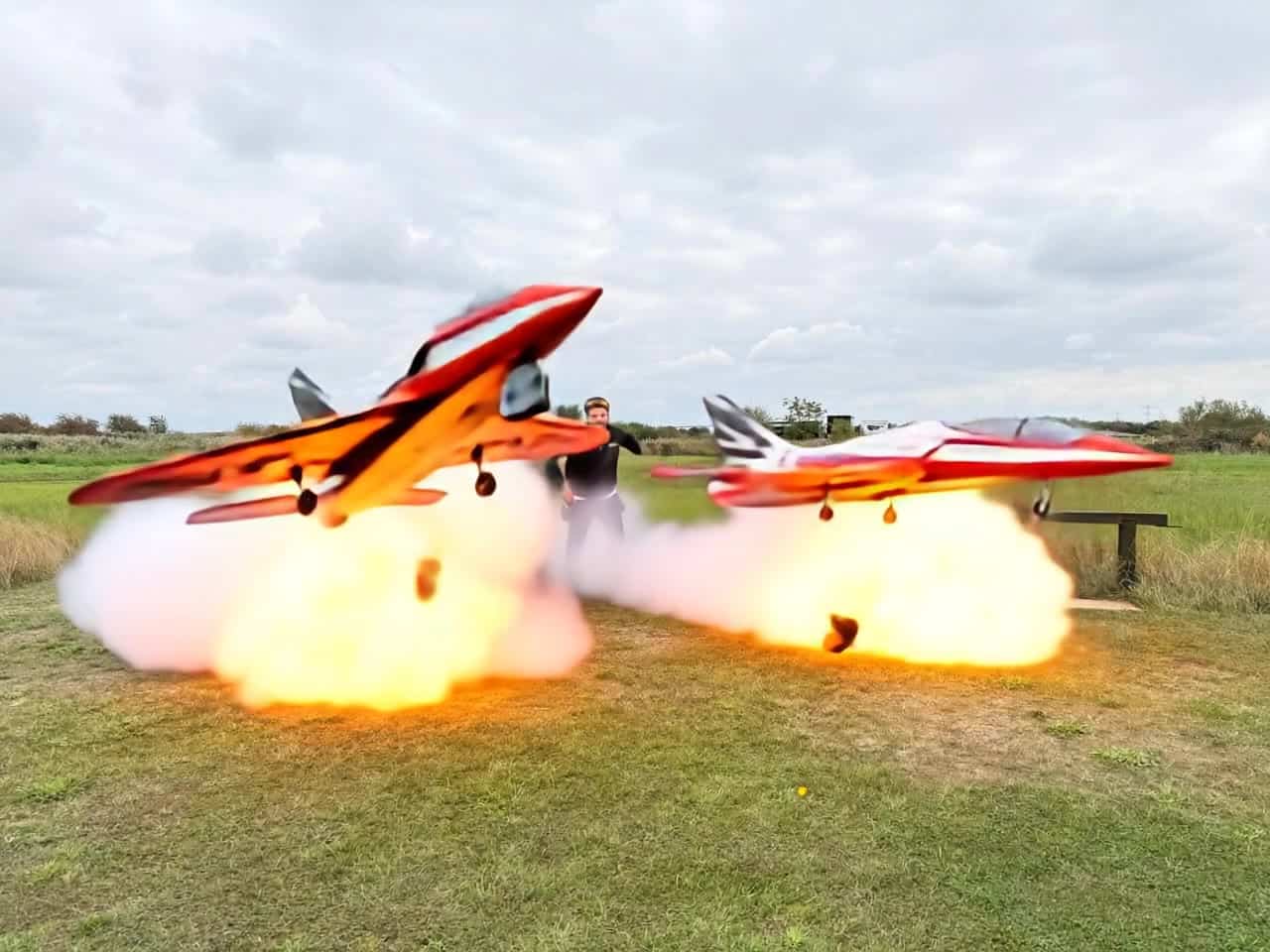






Prompt patterns across Pika models
Describe the subject, one clear action, the visual style and a concise camera direction. Change one instruction at a time when testing a variant.
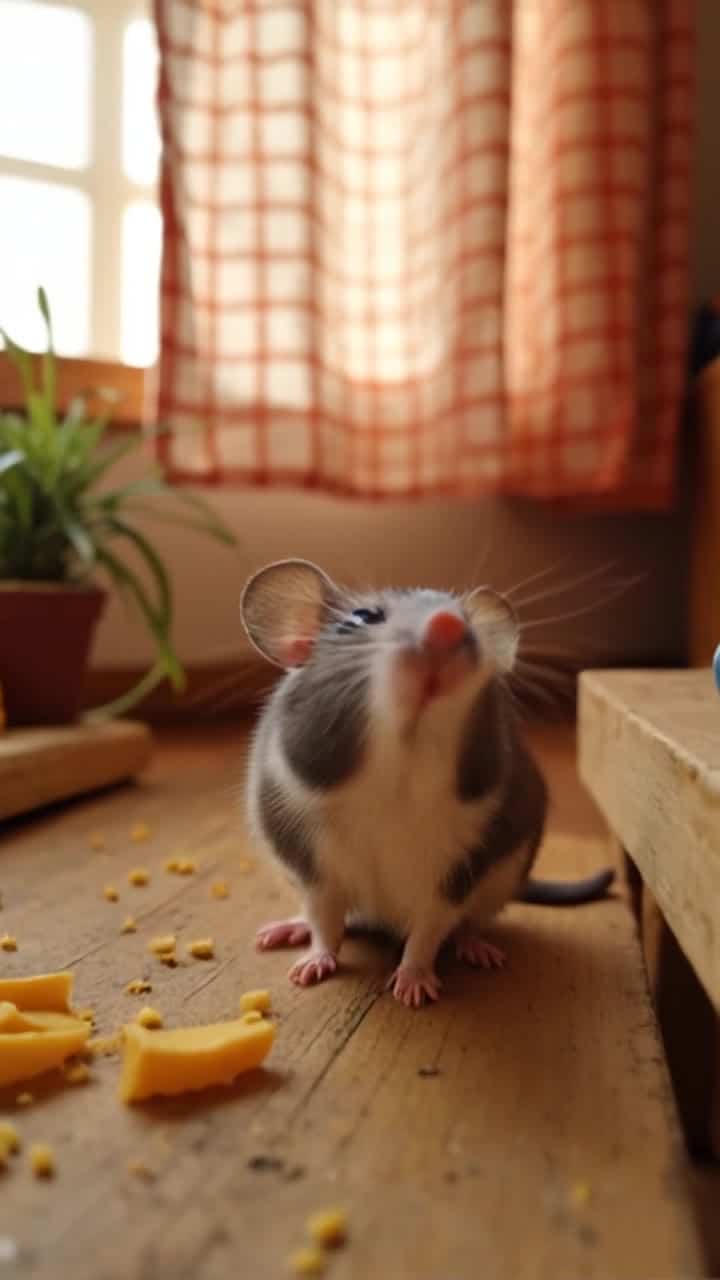
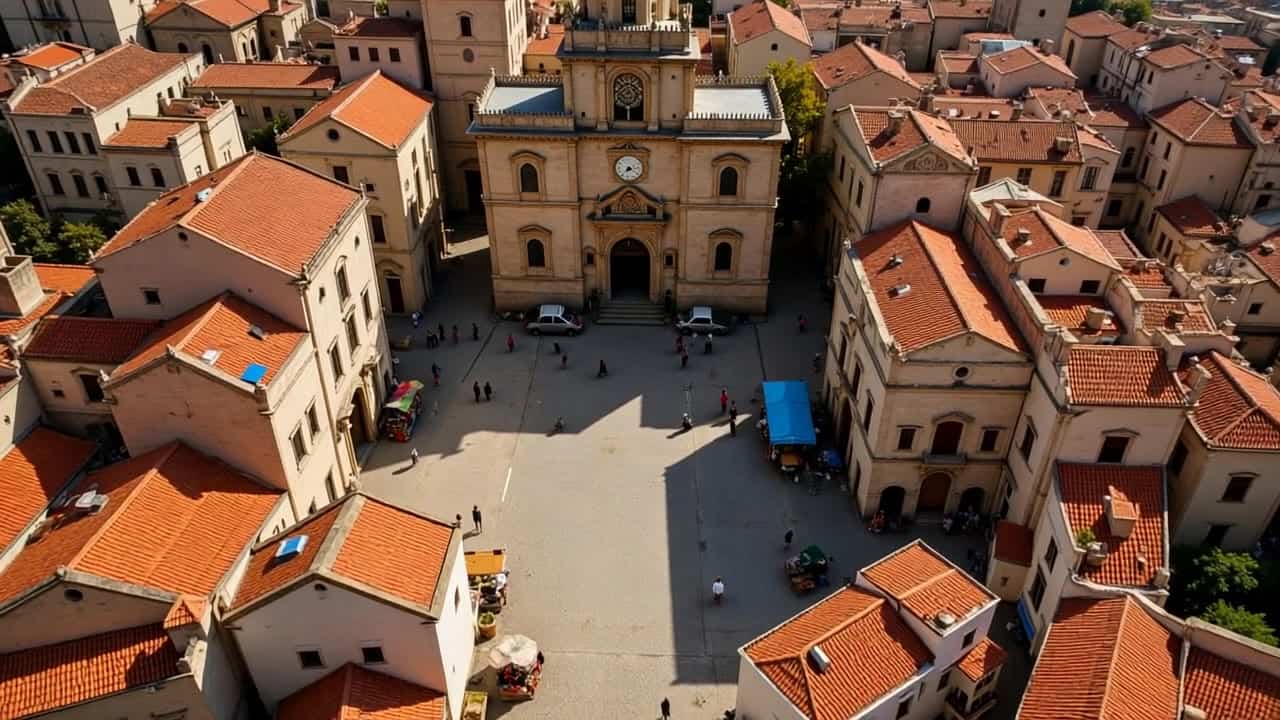
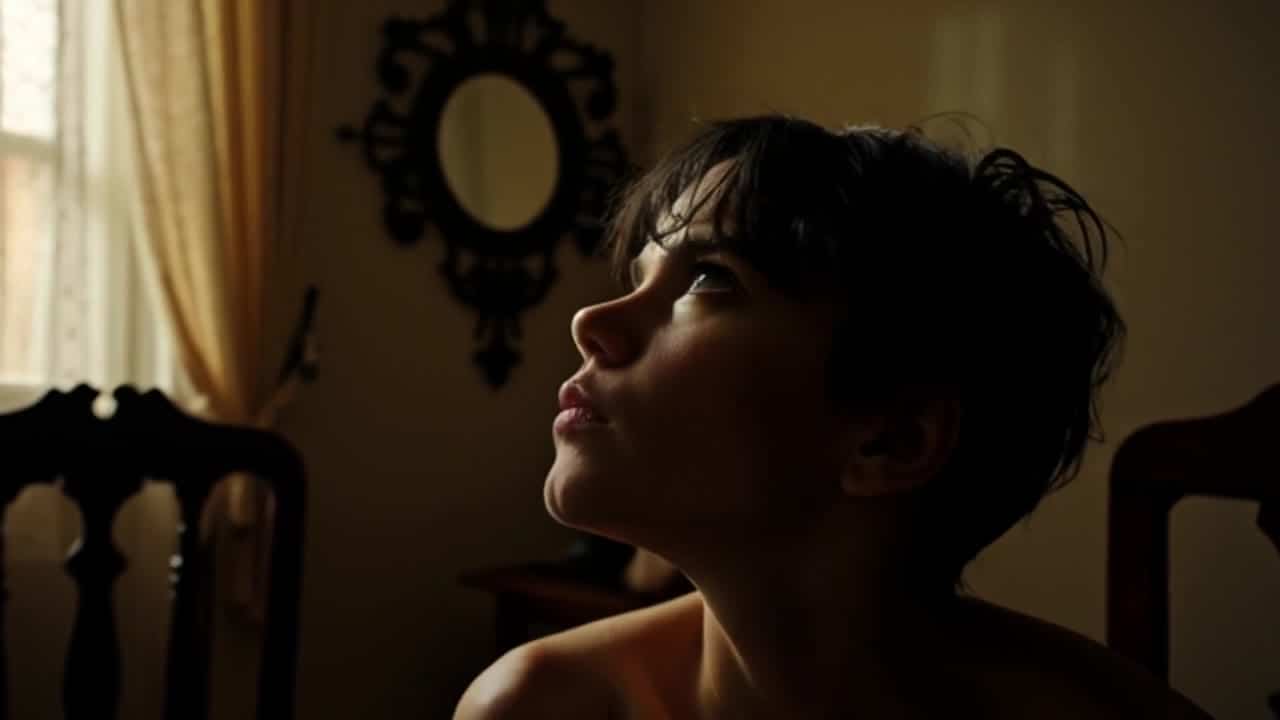
Watch Pika 2.2 results, then inspect each video’s prompt, settings and current price estimate.
Explore Pika 2.2 results by watching the complete clip. Open a video for the prompt and settings used, then adapt the idea in your workspace. An example is a starting point, not a repeatable motion template; check your new result and current quote before using it.
Describe the subject, one clear action, the visual style and a concise camera direction. Change one instruction at a time when testing a variant.
Watch the full clip for subject consistency, readable motion and a stable ending. A thumbnail cannot confirm how a transition behaves.
The video detail shows its current price estimate. Duration and output settings affect the new quote in the workspace; check it before generating variants.
Open a relevant video for its prompt and settings. Adapt the subject or style, then review the new result rather than assuming identical motion.
They can inspire short-form variants. Check the full result, format and usage requirements before publishing.
Choose the intended duration and output settings, then check the current quote before each batch.