
Entry draft
$0.68
5s · 480p · audio included
DREAMINA / BYTEDANCE FAST DRAFT ROUTE
Fast Seedance draft passes for timing tests, A/B motion checks, and quick reference-guided shot planning.
Use Seedance 2.0 Fast as the faster Seedance draft route in the Dreamina Seedance family when you need rapid iteration before a final render: block timing, compare motion options, and test text, image, or reference inputs in shorter cycles.
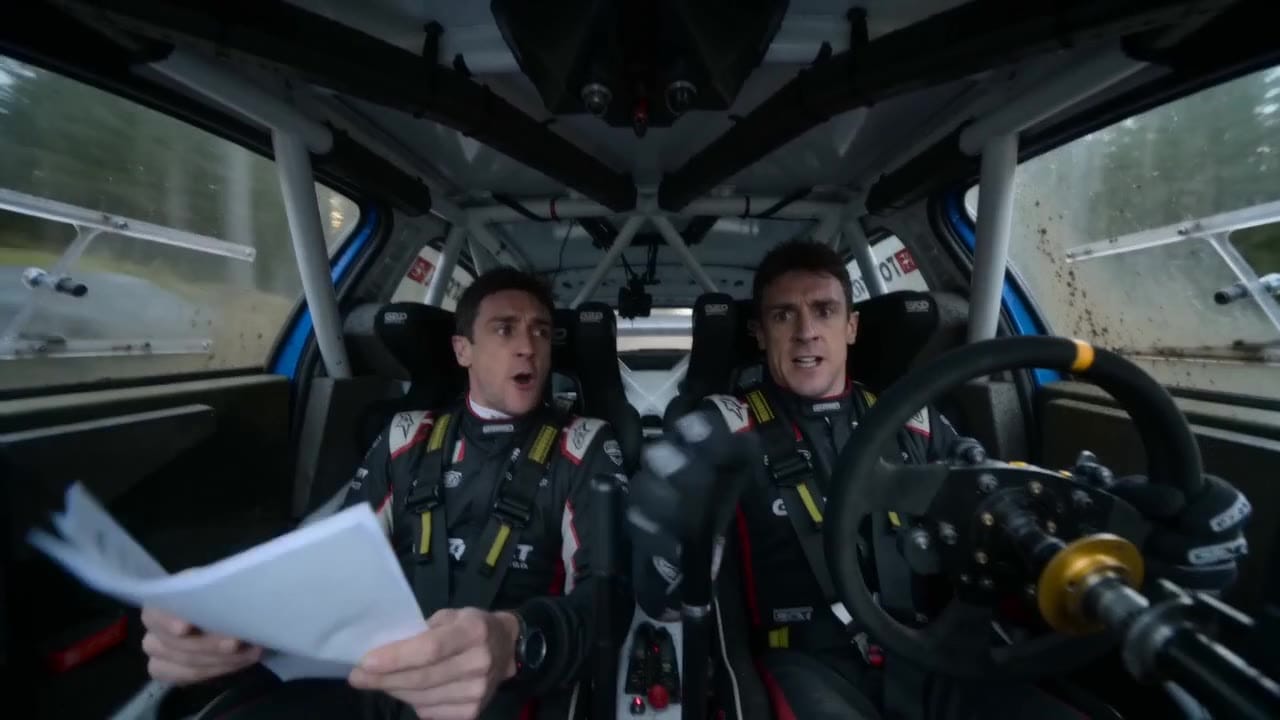
Seedance 2.0 Fast example
Rapid motion draft sequence
Fast draft route
Run quicker Seedance passes for early creative decisions.
Timing tests
Check pacing, camera beats and shot rhythm before polishing.
Reference tests
Try supported text, image and reference inputs for shot planning.
Up to 720p
Use lower-resolution outputs for draft review loops.
Max 15s
Draft clips up to 15 seconds per generation.
Pay-as-you-go
See exact live price before you generate.
Preset draft totals - see the exact live price in the app before you generate.
$0.68
5s · 480p · audio included
$2.42
8s · 720p · audio included
$3.03
Most popular10s · 720p · audio included
15s
Up to 720p
All prices are MaxVideoAI display prices in USD credits for preset scenarios.
Review the kinds of draft passes and comparison prompts that make Seedance 2.0 Fast useful in a real production workflow.
See what's possible with Seedance 2.0 Fast — current fast Seedance model for draft passes and iteration.
Jump into the app with one click and reuse the setup.
Dialogue, ambience and SFX generated in sync.
Keep characters, style and scene consistency across sequences.
Built-in guardrails and safety filters for responsible review.
Use Fast for draft passes, timing tests and A/B motion checks. Move to Seedance 2.0 when you need the production route.
Use short draft loops to lock motion direction, camera language and reference behavior before committing to a final pass.
Compare Seedance Fast with other fast routes when you are choosing a draft engine for social or ad concepts.
Seedance 2.0 Fast works best when each run tests one decision. Keep the brief in Subject -> Action -> Camera -> Style order, then choose the fastest route: text, start/end image, or references.
Source: Seedance 2.0 Fast workflow notes
Start with the shot idea, movement, camera direction and intended pacing.
Use a start image to test composition, product framing or style direction.
Use supported references to check whether a draft follows the intended visual anchors.
Run small prompt changes to compare camera speed, subject movement and scene rhythm.
Carry the strongest draft choices into the production route when polish matters.
Use when you want a fast read on framing, motion, or mood from language alone.
Subject:
[Who/what appears]

Action:
[One visible beat only]

Camera:
[One short move]

Style:
[Lighting + palette]

Goal:
[What this run is proving: timing / framing / motion / audio]

Rule:
Do not combine multiple decisions in the same Fast run.
Rule: Do not combine multiple decisions in the same Fast run.
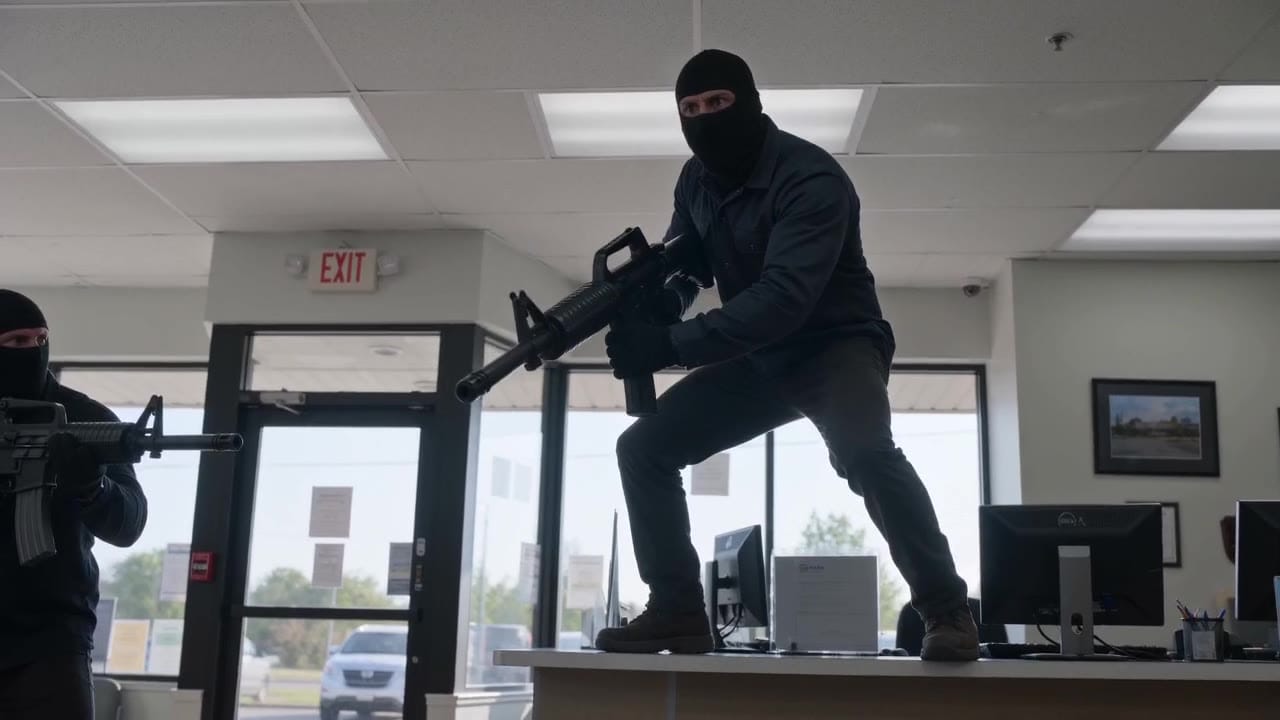
Subject: Absurd bank robbery with inflatable weapons • Action: Robbers enter a tense crime-thriller setup
Camera: Readable cinematic framing for a fast draft pass • Style: Tense thriller with absurd visual humor
Audio: Bank ambience, tension, no long dialogue
Prompt EN — intense robbery scene with absurd inflatable weapons Brief: A tense, cinematic bank robbery scene that feels like a real crime thriller, except all the robbers are carrying oversized inflatable balloon guns. The tone is intense, stylish, and suspenseful, with a growing layer of absurdity as…
Best practices, common fixes, and important limitations to help you get the strongest results with Seedance 2.0 Fast.
Two routes, one series. Pick the right one for your stage.
View Seedance 2.0 details →These side-by-side comparisons break down price, resolution, audio, speed, and motion style so you can pick the right engine fast.
Each page includes real outputs and practical best-use cases.
Generate or clean a still image in Seedream before using Seedance 2.0 Fast for quick motion drafts.
Prepare references with Seedream ->Move winning drafts into standard Seedance 2.0 when you need the most polished final render.
See standard Seedance 2.0 ->Use Mini for the lower-cost batch/value route for ecommerce, marketing, and UGC.
See Seedance 2.0 Mini batch route ->Open Veo 3.1 Fast when you want another audio-native fast tier for ad-style comparison passes.
Compare Seedance 2.0 Fast vs Veo 3.1 Fast ->Use LTX 2.3 Fast when the draft loop is more about storyboard rhythm and quick structure checks.
Compare Seedance 2.0 Fast vs LTX 2.3 Fast ->The limits that shape your renders.
Provider/model-family notes position Fast as the quicker route inside the Dreamina Seedance 2 family.
Fast keeps the same core mode coverage and format envelope.
Built-in safeguards and best practices for responsible creation with Seedance 2.0 Fast.
Seedance 2.0 Fast is the quicker Seedance AI video option inside the Seedance 2 family, designed for faster draft passes before you move winning directions into standard Seedance 2.0.
Yes. ByteDance documentation and Dreamina product naming use Dreamina Seedance 2.0 for the broader model family. Seedance 2.0 Fast is the faster route inside that family on MaxVideoAI.
The pricing card shows preset MaxVideoAI display totals for common draft scenarios such as 5s 480p, 8s 720p, and 10s 720p. Generate remains the source of truth for the exact live quote before submission.
Yes. Seedance 2.0 Fast keeps the same core workflow family as standard Seedance 2.0: text-to-video, image-to-video with an optional end frame, and multimodal reference-to-video.
Fast supports up to 9 image references, 3 video references, and 3 audio references, with 12 total files across the full ref2v run. Audio references need at least one image or video reference in the active route.
Yes. The image-to-video workflow supports a start image plus an optional end image when you want to guide the last frame in draft passes.
The current MaxVideoAI route exposes auto duration or explicit runs from 4 to 15 seconds for Seedance 2.0 Fast.
Use Fast when the goal is iteration speed, shot planning, timing checks, and quick comparison passes. Move to standard Seedance 2.0 when you want the most polished final take.


