
Entry draft
$0.46
5s · 1080p
SUPPORTED KLING AUDIO PRO ROUTE
Native audio, 1080p short clips, and text-to-video or image-to-video for supported older Kling Pro workflows.
Use Kling 2.6 Pro when you need a supported older Kling route for short audio-ready clips, text or image starts, negative prompts, seed control and 1080p output before moving current work into Kling 3 Pro.
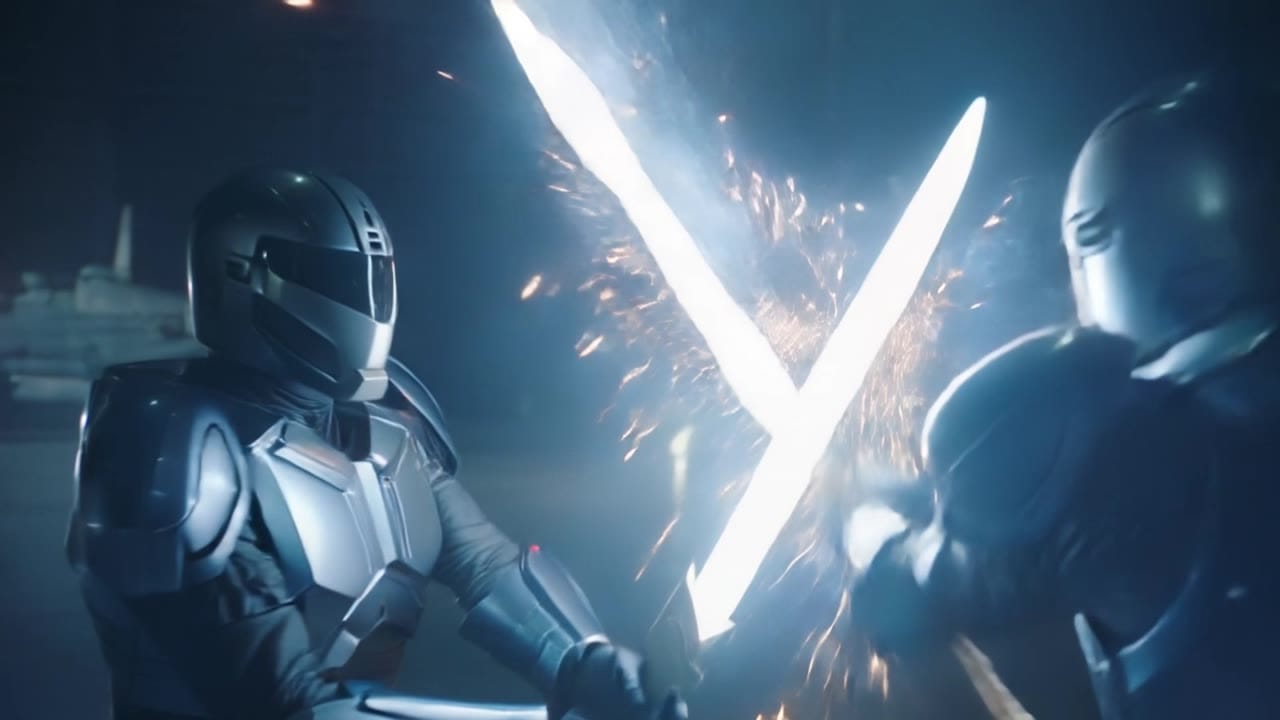
Kling 2.6 Pro example
Audio-ready 1080p short clip
Native audio
Generate dialogue, ambience or SFX with the visual pass when audio is enabled.
Text-to-video
Start with a compact scene brief, camera direction and sound cue.
Image-to-video
Use one start image when composition or subject identity should stay anchored.
1080p output
Keep this supported route focused on short full-HD clips.
Max 10s
Plan one clean beat or a short two-beat sequence per render.
Pay-as-you-go
See exact live price before you generate.
Preset 1080p totals - see the exact live price in the app before you generate.
$0.46
5s · 1080p
$0.91
5s · 1080p
$1.82
Most popular10s · 1080p
10s
Up to 1080p
All prices are MaxVideoAI display prices in USD credits for preset scenarios.
Recent Kling 2.6 Pro renders with native audio for dialogue, ambience, and emotional storytelling.
See what's possible with Kling 2.6 Pro — supported older Kling model for short audio-ready clips.
Jump into the app with one click and reuse the setup.
Dialogue, ambience and SFX generated in sync.
Keep characters, style and scene consistency across sequences.
Built-in guardrails and safety filters for responsible review.
Use 2.6 Pro for supported older audio-ready short clips. Use Kling 3 Pro for the current Pro workflow and stronger production planning.
Keep dialogue and SFX brief, tie sound to visible action and use the audio toggle only when review context needs it.
Use Kling 2.5 Turbo or Kling 3 Standard when the goal is silent draft iteration before a final-quality pass.
Kling 2.6 Pro prefers clear subject, action, and camera direction; add sound cues if audio is on.
Source: Kling by Kuaishou
Write subject, action, camera, lighting, style and one short sound cue.
Use one image for product framing, character identity or a stable opening composition.
Keep ambience, SFX or dialogue short enough to sync with the visible beat.
Use cleanup terms and seed control when you need more repeatability.
Move approved recipes into Kling 3 Pro when the job needs the current route.
Use 1–2 sentences when you want variations.
Prompt: [Subject + action] in [setting], [camera move], [lighting/style], [sound cue].
Negative: [text, logos, extra limbs, blur]
Prompt: [Subject + action] in [setting], [camera move], [lighting/style], [sound cue]. Negative: [text, logos, extra limbs, blur]
Subject: Young woman in a night coffee shop • Action: Works by a rain-streaked window
Camera: Cinematic vertical shot with gentle motion • Style: Warm cafe, rain reflections, intimate mood
Audio: Cafe ambience and subtle rain
8-second 9:16 cinematic shot in a cozy coffee shop at night. A young woman in a denim jacket sits by the window, laptop open, rain streaking down the glass behind her. Camera starts in a medium shot over her shoulder, slowly dollying in to a close-up as she looks up from the screen. She smiles nervously and says, in a warm but slightly shaky voice: “Okay… let’s do this.” Soft lo-fi music plays quietly in the background, mixed with gentle rain and muted café chatter, no other dialogue. Warm tungsten lighting inside, cool blue reflections from the street outside, shallow depth of field, 1080p, realistic motion and sound.

Kling 2.6 Pro is easiest to steer when you write a tight shot brief and treat audio as part of the scene (not an afterthought).
Two routes, one series. Pick the right one for your stage.
View Kling 2.5 Turbo details →These side-by-side comparisons break down price, resolution, audio, speed, and motion style so you can pick the right engine fast.
Each page includes real outputs and practical best-use cases.
Route cinematic Kling 2.5 Turbo shots through MaxVideoAI with instant switching between Pro text, Pro image, and Standard budget tiers.
Compare Kling 2.6 Pro vs Kling 2.5 Turbo →Generate native 4K Kling 3 videos from text or images. Use Kling 3 4K for final delivery renders with 3-15s clips and native audio.
Compare Kling 2.6 Pro vs Kling 3 4K →Direct Kling 3 Pro renders with multi-prompt sequencing, start-frame image-to-video, Kling Elements, and native audio. Generate cinematic 3-15s clips in 1080p.
Compare Kling 2.6 Pro vs Kling 3 Pro →The limits that shape your renders.
Generates dialogue, ambience, and SFX in sync with the visuals. Best for emotional beats and mini-stories.
Built-in speech support helps for character lines, while you can still mute and finish in post. Use it when sound is part of the story.
Built-in safeguards and best practices for responsible creation with Kling 2.6 Pro.
Yes, native audio is on by default. You can toggle it off for silent exports.
Text → Video and Image → Video in a single card. No first/last frame in this routing.
Yes. Kling 2.6 Pro still works for short image-to-video clips and audio-ready talking shots, but it is best treated as an older workflow for shorter controlled beats rather than the main current Kling path.
Stay within 5–10s for strong beats. Stitch multiple renders for longer narratives.


