
Kling 2.6 Pro audio-enabled video example: street close-up
This Kling 2.6 Pro text to video example shows street close-up. It highlights audio-enabled output with 10-second timing · 16:9 output.
Prompt breakdown
Prompt used to generate this render.
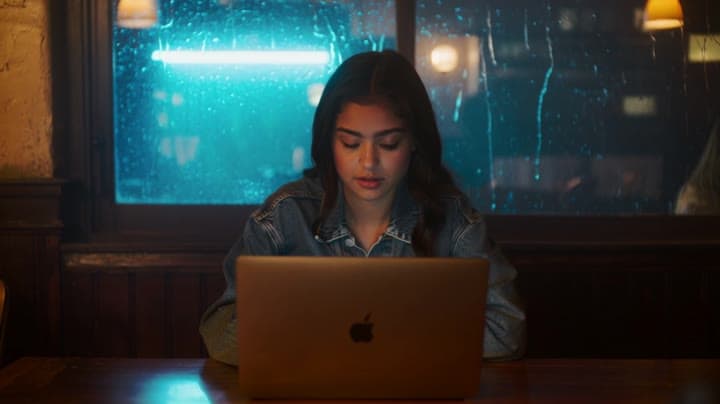
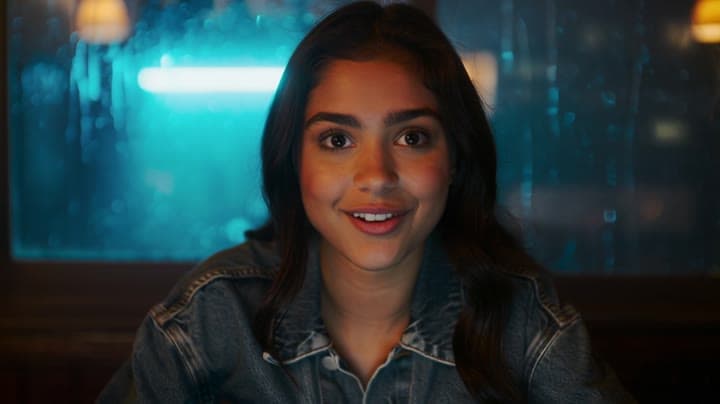
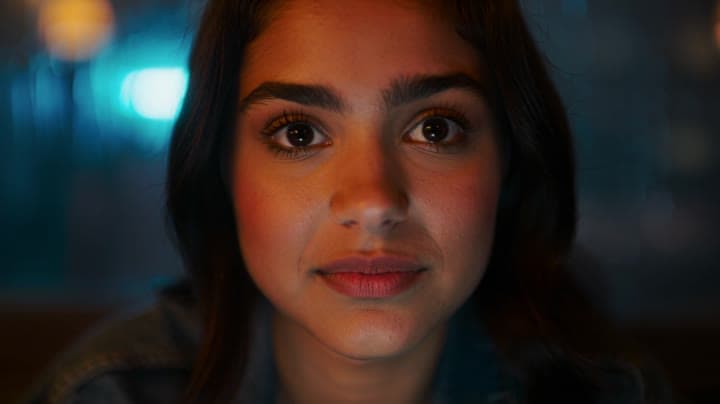
8-second 9:16 cinematic shot in a cozy coffee shop at night. A young woman in a denim jacket sits by the window, laptop open, rain streaking down the glass behind her. Camera starts in a medium shot over her shoulder, s…Show full promptHide full prompt
8-second 9:16 cinematic shot in a cozy coffee shop at night. A young woman in a denim jacket sits by the window, laptop open, rain streaking down the glass behind her. Camera starts in a medium shot over her shoulder, slowly dollying in to a close-up as she looks up from the screen. She smiles nervously and says, in a warm but slightly shaky voice: “Okay… let’s do this.” Soft lo-fi music plays quietly in the background, mixed with gentle rain and muted café chatter, no other dialogue. Warm tungsten lighting inside, cool blue reflections from the street outside, shallow depth of field, 1080p, realistic motion and sound.
Workflow
Text to video
Camera
Close Up
Output
10s · 16:9
Recorded render cost
$1.82
Audio
Enabled
Constraints
Text To Video, Audio Enabled, Close Up
Prompt improvement notes
Note 1
Keep the subject, camera move, lighting, duration, aspect ratio and audio requirement grouped so the render has one clear production brief.
Note 2
Change one variable at a time when cloning this prompt: model, duration, camera motion or reference input. That makes quality and price differences easier to compare.
Note 3
Add a short negative prompt if you need to block text overlays, logos, distorted hands, face warping or unwanted camera shake.
Compare this model
Review this example beside nearby engines before choosing a render path.
Why Kling 2.6 Pro fits this shot
Generate cinematic AI videos with Kling 2.6 Pro. Text and image to video with fluid motion, rich details, and native audio, ideal for social content, ads, and storytelling.
Image input
Audio option
10s max
Key frames
Related examples
View all examples Kling 3 Pro
Kling 3 Pro Mars terraforming sci-fi video example
This Kling 3 Pro watch page shows a 16:9 text-to-video sci-fi terraforming scene on Mars, using a dolly-in, slow orbit and dramatic red-to-green landscape transformation.
 Kling 3 Pro
Kling 3 Pro neon street multi-shot example
This Kling 3 Pro example demonstrates a multi-shot neon street sequence with rain reflections, native audio and structured scene anchors.
 LTX 2.3 Pro
LTX 2.3 Pro rooftop lightning fashion shot example
This LTX 2.3 Pro page shows a rooftop fashion prompt with storm lighting, neon city atmosphere and cinematic subject isolation.
 Wan 2.5 Text & Image to Video
Wan 2.5 vertical spy-to-Zoom comedy video example
This Wan 2.5 watch page shows a vertical comedy prompt that opens like a spy action scene and ends with a Zoom-call reveal.