
Entry draft
$0.47
6s · 1080p
SUPPORTED LTX 2 PRO ROUTE
High-fidelity 16:9 clips for text-to-video or image-to-video, with 1080p to 4K checks on the supported older LTX route.
Use LTX 2 when you need the supported older Pro LTX route for short 6-10s 16:9 clips, image starts, negative prompts, seed control and high-res checks. Use LTX 2.3 Pro for the current production workflow.
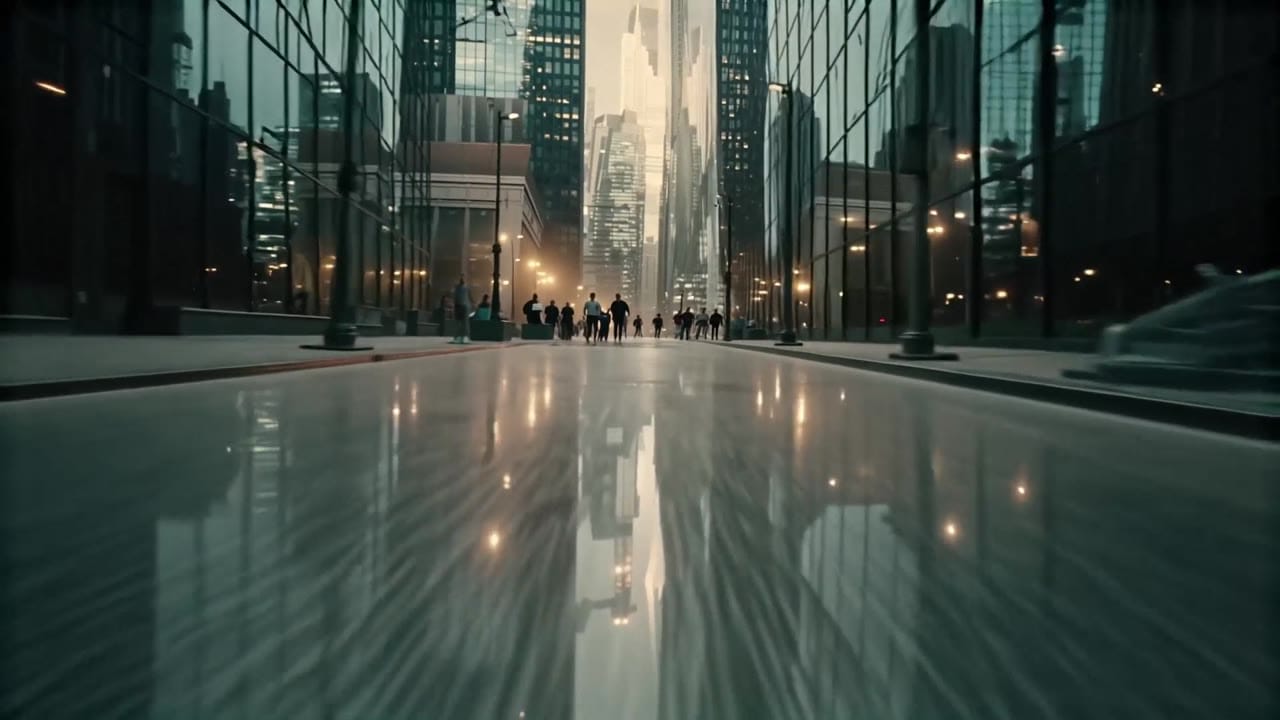
LTX 2 example
High-fidelity 16:9 render
16:9 fidelity
Use LTX 2 for short landscape clips that need a clean premium look.
Text or image start
Start from a prompt or a single still reference for image-to-video.
1080p to 4K
Check approved prompts at higher resolutions when the shot needs detail.
25 or 50 fps
Choose the frame-rate option exposed by the MaxVideoAI route.
Max 10s
Keep this older route focused on concise one-beat renders.
Pay-as-you-go
See exact live price before you generate.
Preset supported-route totals - see the exact live price in the app before you generate.
$0.47
6s · 1080p
$1.25
Most popular8s · 1440p
$3.12
10s · 4k
10s
6-10s route; up to 4K
All prices are MaxVideoAI display prices in USD credits for preset scenarios.
Recent high-fidelity LTX 2 renders with audio for premium spots and hero shots.
See what's possible with LTX 2 — supported older LTX model for high-fidelity short clips.
Jump into the app with one click and reuse the setup.
Dialogue, ambience and SFX generated in sync.
Keep characters, style and scene consistency across sequences.
Built-in guardrails and safety filters for responsible review.
Use LTX 2 for older high-fidelity 16:9 clips. Use LTX 2.3 Pro when you want the current LTX production route and broader workflow surface.
Use LTX 2 Fast for longer low-cost 16:9 draft loops before deciding whether a shot deserves a higher-fidelity pass.
Compare LTX 2 with Veo 3.1 when choosing between older LTX high-res checks and current premium short-video routes.
Start with a compact subject, action, camera and negative prompt structure before spending on high-res checks.
LTX 2 responds to structured, production-style prompts with clear camera direction.
Source: LTX
Write one subject, one visible action, one camera move and the intended finish.
Use one clean still when product shape, framing or identity must stay stable.
Block visual artifacts or unwanted style cues instead of adding more positive instructions.
Reuse seed control when you need comparable variants from the same creative direction.
Move from 1080p checks to 1440p or 4K only after the motion direction is approved.
Use 1–2 sentences when you want variations.
[Subject + action] in [setting], [camera move], [lighting/style], [optional sound cue].
Negative: [text, logos, extra people, blur]
[Subject + action] in [setting], [camera move], [lighting/style], [optional sound cue]. Negative: [text, logos, extra people, blur]
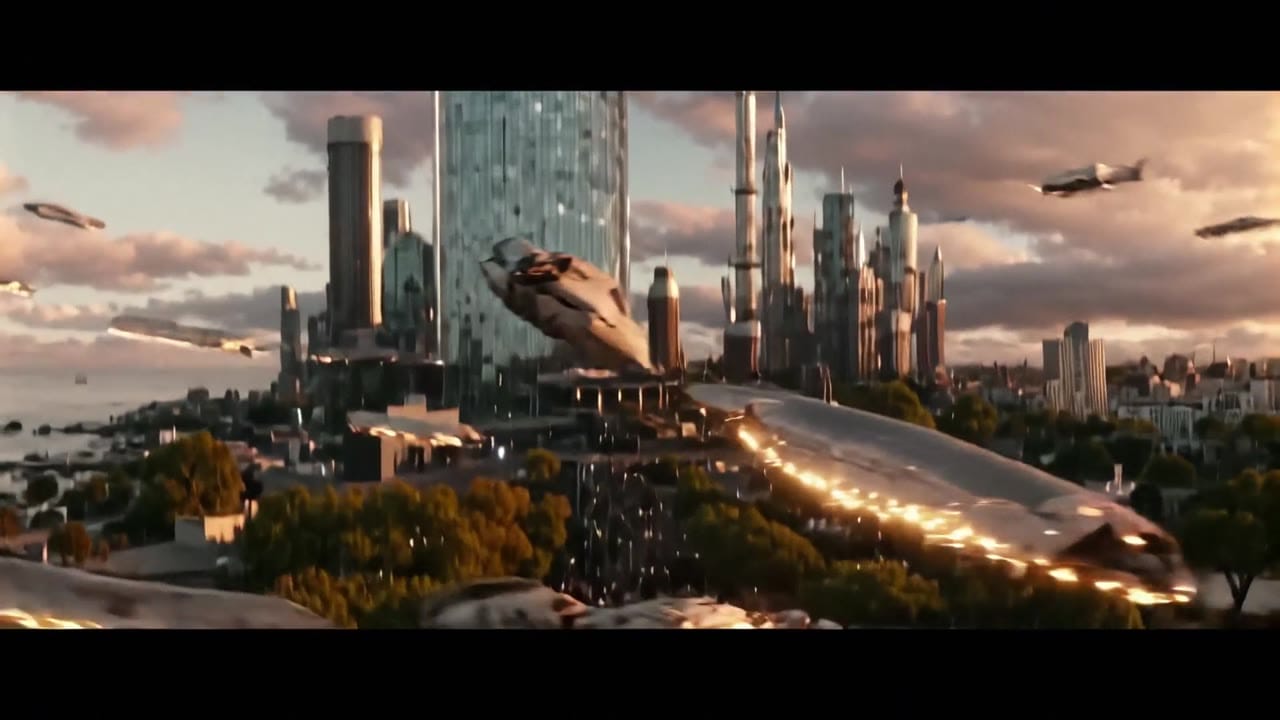
Subject: Futuristic coastal megacity • Action: Camera glides between glass towers and flying traffic
Camera: Wide aerial view with cinematic travel motion • Style: Sunset, glass reflections, premium 4K cityscape
Audio: Subtle futuristic ambience
10-second 16:9 4K cinematic shot above a futuristic coastal megacity at sunset. The camera starts in a wide aerial view, gliding between glass towers as traffic of flying vehicles streaks past below. In the sky, a massive orbital ring begins to fracture, sending glowing debris burning through the…
LTX 2 is a final-take tier: use it when the concept is locked and you want the cleanest finish.
Two routes, one series. Pick the right one for your stage.
View LTX 2 Fast details →These side-by-side comparisons break down price, resolution, audio, speed, and motion style so you can pick the right engine fast.
Each page includes real outputs and practical best-use cases.
Move to the current LTX owner page for text-to-video, image-to-video, audio-to-video, Extend, and Retake workflows in one surface.
See LTX 2.3 Pro ->Use the current fast LTX page when you want faster text-to-video and image-to-video iteration on the LTX 2.3 routing.
See LTX 2.3 Fast ->The limits that shape your renders.
Targets cleaner detail and smoother motion for final-take deliverables. Suited for premium ads and brand stories.
Audio and visuals generate together, helping pacing and emotion. Keep sound for drafts or finish in post.
Built-in safeguards and best practices for responsible creation with LTX 2.
6–10 seconds per render in the current Pro routing.
Yes, native audio is on by default. Toggle it off for silent outputs if you’ll score in post.
16:9 in this configuration. Use Wan or other engines for multi-AR needs.


