
Motion draft
$0.52
Most popular10s · 1080p draft
LTX FAST DRAFT ROUTE
Fast visual exploration for prompt testing, lower-cost draft loops, and vertical/social drafts.
Use LTX 2.3 Fast for fast text-to-video and image-to-video exploration when you need to test prompts, compare looks, and prepare social drafts before choosing a final production route.
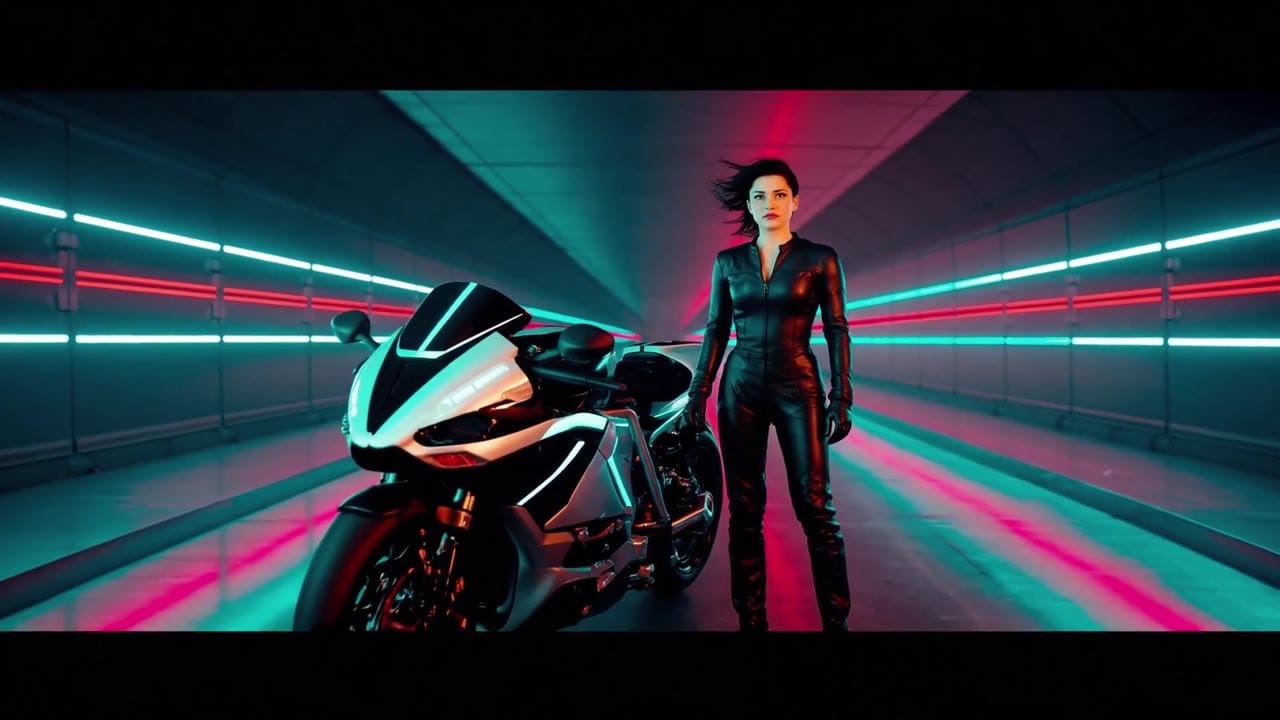
LTX 2.3 Fast example
Fast visual exploration draft
Visual exploration
Move through look, style and scene options quickly.
Prompt testing
Compare prompt wording before committing to a final route.
Image-to-video drafts
Use a start image when the draft needs a visual anchor.
Vertical/social drafts
Sketch short concepts for social formats and creative reviews.
Max 20s
Draft clips up to 20 seconds per generation.
Pay-as-you-go
See exact live price before you generate.
Preset draft totals - see the exact live price in the app before you generate.
$0.52
Most popular10s · 1080p draft
20s
Longer drafts at 1080p
All prices are MaxVideoAI display prices in USD credits for preset scenarios.
Representative LTX 2.3 Fast examples for reviewing prompt structure, draft pacing and image-to-video setup before generating.
See what's possible with LTX 2.3 Fast — current fast LTX model for longer drafts, testing and iteration.
Jump into the app with one click and reuse the setup.
Dialogue, ambience and SFX generated in sync.
Keep characters, style and scene consistency across sequences.
Built-in guardrails and safety filters for responsible review.
Use Fast for visual exploration and prompt tests. Use Pro when you need the broader production workflow exposed by the Pro route.
Draft vertical ideas, ad hooks and style directions before spending time on a final candidate.
Compare LTX Fast with Seedance Fast when speed and iteration cost matter more than final polish.
LTX 2.3 Fast is a generate-first engine, so keep the prompt short, visual and direct.
Test subject, style, camera and format instructions with short prompt variants.
Use image-to-video when a visual seed should define composition or product framing.
Frame early social concepts around 9:16 or 16:9 review needs.
Run prompt variants to compare lighting, color and motion direction.
Move the strongest draft into the appropriate final route once the concept is clear.
Use this for rapid variants and hook testing.
[Subject + one action], [camera move], [lighting/style], [optional sound cue], [16:9 or 9:16 vibe].
[Subject + one action], [camera move], [lighting/style], [optional sound cue], [16:9 or 9:16 vibe].
Subject: Boxer in a dark tunnel • Action: Walks toward the ring with controlled tension
Camera: Low front tracking, slow push-in • Style: Hard rim light, subtle haze, cinematic arena mood
Audio: Muted crowd rumble and one short impact cue
A powerful boxer walks alone through a dark arena tunnel toward the ring, athletic frame wrapped in a hooded robe, shoulders relaxed but dangerous. Low front tracking shot, slow push-in, hard rim light, drifting haze, muted crowd rumble and one sharp impact cue, 10 seconds, 16:9.

Before you generate
Lock the character, fix the viewpoint, or build the source still before you spend credits on motion.
Best practices, common fixes, and important limitations to help you get the strongest results with LTX 2.3 Fast.
These side-by-side comparisons break down price, resolution, audio, speed, and motion style so you can pick the right engine fast.
Each page includes real outputs and practical best-use cases.
Use LTX 2.3 Pro on MaxVideoAI for text-to-video, image-to-video, audio-to-video, extend-video and retake-video workflows with official 1080p/1440p/4K and 24/25/48/50 fps options.
Compare LTX 2.3 Fast vs LTX 2.3 Pro →Use Veo 3.1 Fast for affordable text prompts, start-image animation, multi-reference guidance, optional last-frame control, and extend workflows with optional native audio inside one unified MaxVideoAI model page.
Compare LTX 2.3 Fast vs Google Veo 3.1 Fast →Generate fast cinematic AI videos with LTX-2 Fast. Text and image to video with synchronized audio, up to 4K, ideal for rapid iteration and social content.
Compare LTX 2.3 Fast vs LTX Video 2.0 Fast →The limits that shape your renders.
Fast is optimized around Text-to-Video and Image-to-Video only. It is the easiest LTX 2.3 entry point when the goal is to test more ideas, faster.
The product boundary is important for clear UX. Audio-to-Video, Extend and Retake stay on LTX 2.3 Pro so Fast remains simpler and more predictable.
Built-in safeguards and best practices for responsible creation with LTX 2.3 Fast.
LTX 2.3 Fast is best for lower-cost testing, longer draft loops, social variants, and prompt exploration before you commit selected outputs to LTX 2.3 Pro.
LTX 2.3 Fast is the simpler, faster current LTX path for text-to-video and image-to-video generation, while LTX 2.3 Pro is the stronger option when you need more advanced workflows like Audio-to-Video, Extend, and Retake.
LTX 2.3 Fast currently supports 6 to 20 second clips. Above 10 seconds, current public routing is constrained to 1080p at 25 fps.
Yes. LTX 2.3 Fast is the better current choice when the goal is to test prompt behavior, compare variants quickly, and keep cost lower during early iteration.
Use LTX 2.3 Fast when you want the current fast LTX workflow, longer draft coverage, and a clearer path into the LTX 2.3 family. LTX 2 is better treated as an older supported option, not the main fast choice.


