
Entry draft
$0.26
5s · 540p
PREVIOUS-GENERATION FAST LUMA ROUTE
Previous-generation fast Luma route for older Ray 2 draft coverage, Modify and Reframe.
Use Luma Ray 2 Flash when you need a legacy-compatible fast Ray 2 pass or older draft context. For new Luma source-video edits, keyframe guidance and Reframe work, start with Ray 3.2 instead of making Flash the first choice.
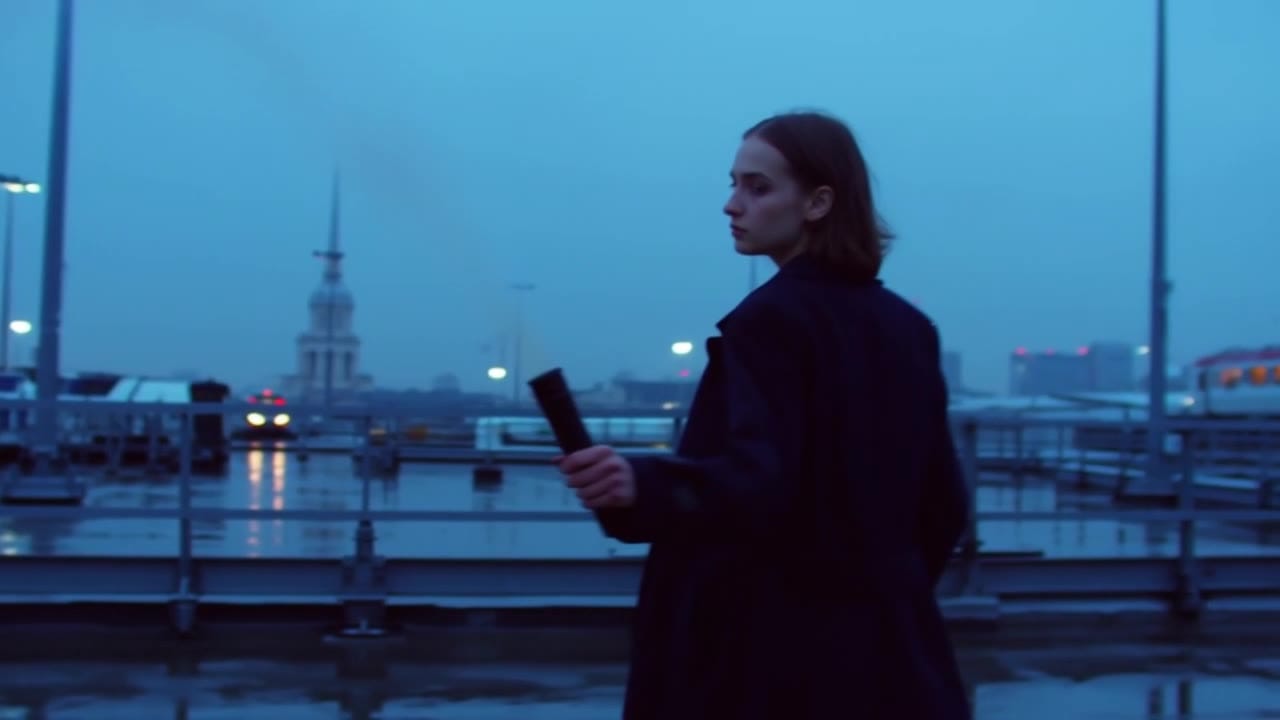
Luma Ray 2 Flash example
Previous-generation fast Luma workflow
Legacy fast route
Use Flash for older Ray 2 draft prompts, old examples and compatibility checks.
Start-image tests
Animate a first frame to check motion, framing and landing before final spend.
Modify passes
Try adherence, flex and reimagine strengths on source clips.
Reframe variants
Test vertical, square or wide crops before locking delivery formats.
Up to 1080p
Choose 540p, 720p or 1080p for draft generation.
Ray 3.2 for current edits
Move new Modify, keyframe and Reframe work to Ray 3.2 first.
Preset legacy draft totals - use Ray 3.2 first for current Luma Modify and Reframe work.
$0.26
5s · 540p
$0.52
5s · 720p
$1.04
Most popular9s · 720p
$2.08
9s · 1080p
9s
Up to 1080p
All prices are MaxVideoAI display prices in USD credits for preset scenarios.
Use the examples rail to compare fast generate runs, modify passes, and delivery reframes before choosing whether the shot should stay on Flash or move to Ray 2.
Compare direction, framing and Modify variants before Ray 2.
Open Ray 2 Flash in the app and reuse the draft setup.
Ray 2 Flash does not generate native audio on this route.
Animate a start frame or test Modify/Reframe from a source clip.
Use Flash for iteration, then final selected shots on Ray 2.
Use Ray 3.2 for current Luma Modify, keyframes and Reframe. Keep Flash only when you need legacy fast Ray 2 behavior or old draft economics.
Use Flash for older source-video look tests only when the legacy route matters. New edit and crop tests should start on Ray 3.2.
Compare against LTX Fast, Seedance Fast or Veo Fast when speed matters more than preserving a legacy Luma workflow.
Keep the draft prompt compact: one subject, one move, one mood and one format.
Use a first frame to lock composition while Flash tests motion and pacing.
Add an end image only when the active image-to-video route exposes it and the draft needs a specific landing composition.
Explore source-video look changes before committing the winning direction to Ray 2.
Validate mobile, square or wide crops while the source clip is still being approved.
Subject: Sports car in a wet tunnel • Action: Enters the light and reveals its silhouette
Camera: Short push-in, low stable camera • Style: Cinematic draft, fast reflections, clean contrast
Output: Silent draft, ready to compare against Ray 2
5s Luma Ray 2 Flash draft in 16:9, silent output.
A futuristic sports car enters a wet tunnel and reveals its silhouette in a band of light.
Short push-in, low stable camera, fast asphalt reflections, clean contrast.
One motion beat, teaser energy, no readable text, no added logo.
Use Flash to validate direction and timing before a Ray 2 pass.
Best practices, common fixes, and important limitations to help you get the strongest results with Luma Ray 2 Flash.
These side-by-side comparisons break down price, resolution, audio, speed, and motion style so you can pick the right engine fast.
Each page includes real outputs and practical best-use cases.
Use Luma Ray 2 as a previous-generation Luma route for legacy text-to-video, image-to-video, modify, and reframe workflows, while starting new Luma edit work on Ray 3.2.
Compare Luma Ray 2 Flash vs Luma Ray 2 →Use Veo 3.1 Lite for lower-cost text prompts, start-image animation, optional first/last-frame control, and Extend with optional native audio inside one unified MaxVideoAI model page.
Compare Luma Ray 2 Flash vs Google Veo 3.1 Lite →Generate fast AI video with LTX 2.3 Fast on MaxVideoAI. Text and image workflows support 6–20s clips, 1080p/1440p/4K, native audio, and 25/50 fps options.
Compare Luma Ray 2 Flash vs LTX 2.3 Fast →The limits that shape your renders.
Text-to-Video and Image-to-Video are the draft creation modes: 5 or 9 seconds, 540p to 1080p, multiple cinematic aspect ratios, optional loop, and optional end-image control.
Flash now exposes the same source-video tools as Ray 2, which makes it much more useful during early-stage iteration and delivery planning.
Built-in safeguards and best practices for responsible creation with Luma Ray 2 Flash.
The workflow surface is aligned on purpose. Both models expose generate, modify, and reframe, but Ray 2 is the premium tier while Flash is optimized for faster drafts and lower-cost iteration.
Yes. Flash exposes the same core Luma workflow family as Ray 2: text-to-video, image-to-video, modify, and reframe.
Modify keeps adhere, flex, and reimagine presets. Reframe keeps target aspect ratio, optional prompt, optional reference image, and optional crop-window controls.
Stay on Flash while you are still exploring direction, pacing, crop strategy, or source-video edit strength. Move to Ray 2 when you want the higher-confidence premium pass.


