
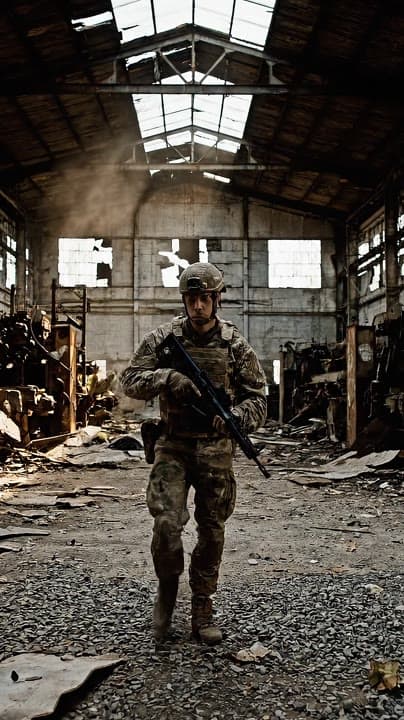
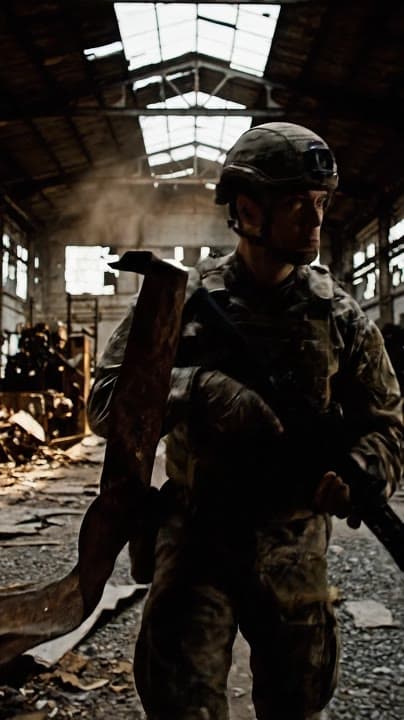
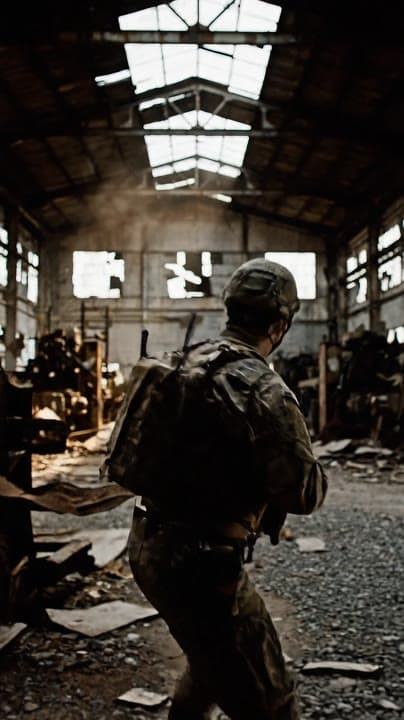
Google Veo 3.1 Fast audio-enabled video example: Medium shot of a soldier stepping
This Google Veo 3.1 Fast text to video example shows Medium shot of a soldier stepping. It highlights audio-enabled output with 6-second timing · 9:16 output.
Prompt breakdown
Prompt used to generate this render.
Medium shot of a soldier stepping into an abandoned factory. Style: modern war thriller, handheld tension. Camera: slight shaky movement, quick rack focus. Audio: metallic creaks, dust falling, distant radio static, boo…Show full promptHide full prompt
Medium shot of a soldier stepping into an abandoned factory. Style: modern war thriller, handheld tension. Camera: slight shaky movement, quick rack focus. Audio: metallic creaks, dust falling, distant radio static, boots on gravel. Dialogue (whisper): “Move quietly… something’s wrong.” Audio FX: synchronized gun-click when he lifts the weapon. Negative Audio: no heroic soundtrack.
Workflow
Text to video
Camera
Audio Enabled
Output
6s · 9:16
Recorded render cost
$1.17
Audio
Enabled
Constraints
Text To Video, Audio Enabled
Prompt improvement notes
Note 1
Keep the subject, camera move, lighting, duration, aspect ratio and audio requirement grouped so the render has one clear production brief.
Note 2
Change one variable at a time when cloning this prompt: model, duration, camera motion or reference input. That makes quality and price differences easier to compare.
Note 3
Add a short negative prompt if you need to block text overlays, logos, distorted hands, face warping or unwanted camera shake.
Compare this model
Review this example beside nearby engines before choosing a render path.
Why Google Veo 3.1 Fast fits this shot
Veo 3.1 Fast now handles quick prompts, image-to-video, 8s reference mode with 1-4 stills, first/last transitions, and extend runs with optional audio.
Text prompts
Reference mode
Audio option
Key frames
Related examples
View all examples Google Veo 3.1 Fast
Veo 3.1 Fast FPV apartment commercial example
This Veo 3.1 Fast example uses an FPV-style camera move to reveal a staged apartment commercial with sound and polished lighting.
 Google Veo 3.1 Fast
Veo 3.1 Fast living room TV commercial example
This Veo 3.1 Fast watch page shows a bright living-room TV commercial prompt with native audio, controlled staging and a 16:9 ad format.
 LTX 2.3 Pro
LTX 2.3 Pro rooftop lightning fashion shot example
This LTX 2.3 Pro page shows a rooftop fashion prompt with storm lighting, neon city atmosphere and cinematic subject isolation.
 OpenAI Sora 2
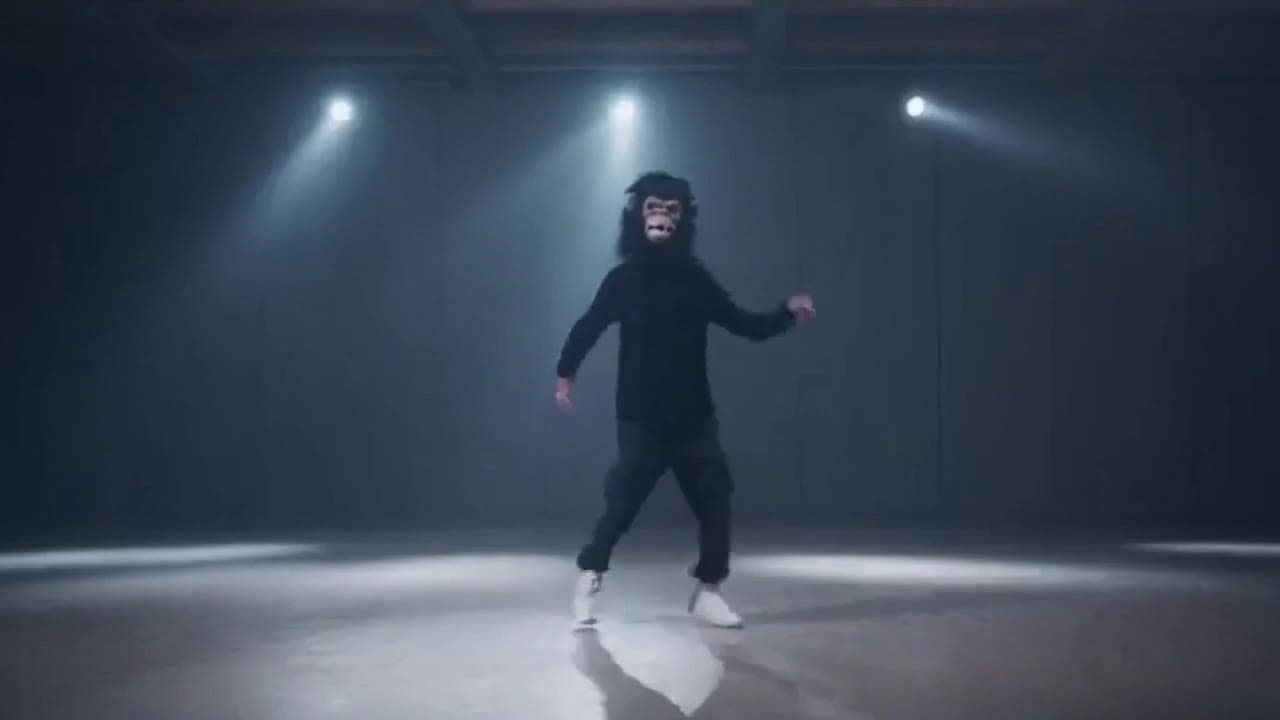
Sora 2 gorilla dance video example with strobe lighting
This Sora 2 watch page shows a gorilla-mask dance prompt rendered with strobe lighting, changing camera angles, native audio and a 16:9 output.