
Happy Horse 1.0 audio-enabled video example: city close-up
This Happy Horse 1.0 text to video example shows city close-up. It highlights audio-enabled output with 10-second timing · 16:9 · 720p output.
Prompt breakdown
Prompt used to generate this render.
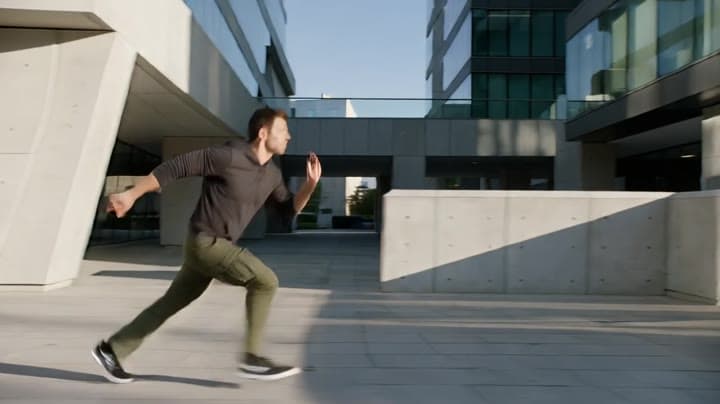
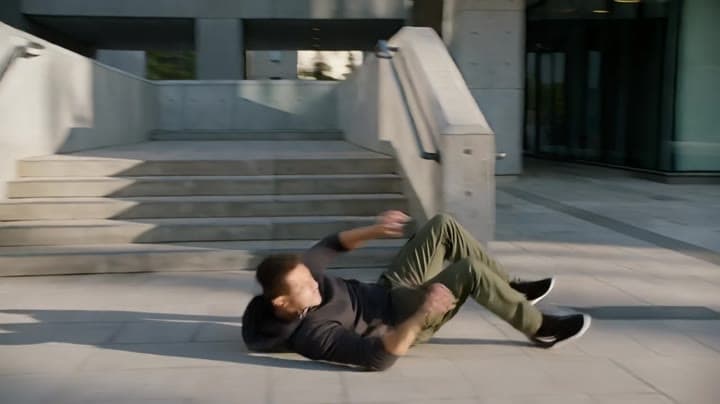
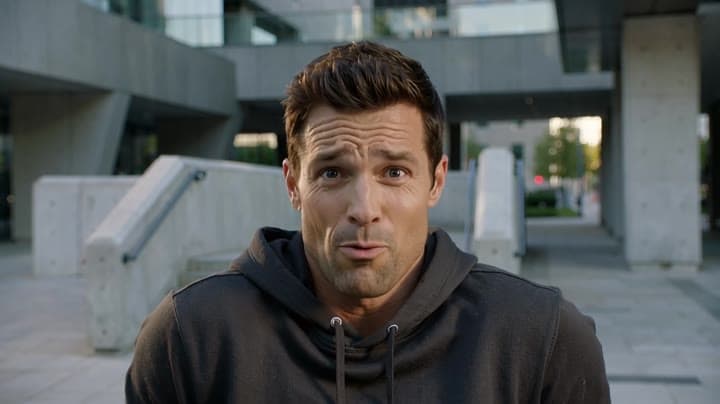
A confident American man in his early 30s, athletic build, wearing a dark hoodie, cargo pants, and sneakers, performs parkour through a modern urban plaza. He runs, vaults over a concrete wall, jumps down a small stairc…Show full promptHide full prompt
A confident American man in his early 30s, athletic build, wearing a dark hoodie, cargo pants, and sneakers, performs parkour through a modern urban plaza. He runs, vaults over a concrete wall, jumps down a small staircase, rolls smoothly, then slides over the back of a bench and lands sitting on it perfectly. The camera follows him with energetic cinematic movement, like a stylish action movie but with a funny ending. Final close-up: sitting on the bench, he looks straight into the camera, slightly breathless, proud, and says exactly: “Easy… no?” Realistic motion, natural parkour physics, cinematic morning light, clean urban background, action-comedy tone. Audio: footsteps, breathing, city ambience, impacts, and one clear American male voice at the end. No extra dialogue, no subtitles, no logos, no text.
Workflow
Text to video
Camera
Close Up
Output
10s · 16:9 · 720p
Recorded render cost
$1.82
Audio
Enabled
Constraints
Text To Video, Audio Enabled, Close Up
Prompt improvement notes
Note 1
Keep the subject, camera move, lighting, duration, aspect ratio and audio requirement grouped so the render has one clear production brief.
Note 2
Change one variable at a time when cloning this prompt: model, duration, camera motion or reference input. That makes quality and price differences easier to compare.
Note 3
Add a short negative prompt if you need to block text overlays, logos, distorted hands, face warping or unwanted camera shake.
Compare this model
Review this example beside nearby engines before choosing a render path.
Why Happy Horse 1.0 fits this shot
Use Happy Horse 1.0 on MaxVideoAI as the legacy Alibaba video-edit route while new text, image, and reference workflows move to Happy Horse 1.1.
Image input
Audio option
Motion controls
Key frames
Related examples
View all examples LTX 2.3 Pro
LTX 2.3 Pro rooftop lightning fashion shot example
This LTX 2.3 Pro page shows a rooftop fashion prompt with storm lighting, neon city atmosphere and cinematic subject isolation.
 Wan 2.5 Text & Image to Video
Wan 2.5 vertical spy-to-Zoom comedy video example
This Wan 2.5 watch page shows a vertical comedy prompt that opens like a spy action scene and ends with a Zoom-call reveal.
 OpenAI Sora 2
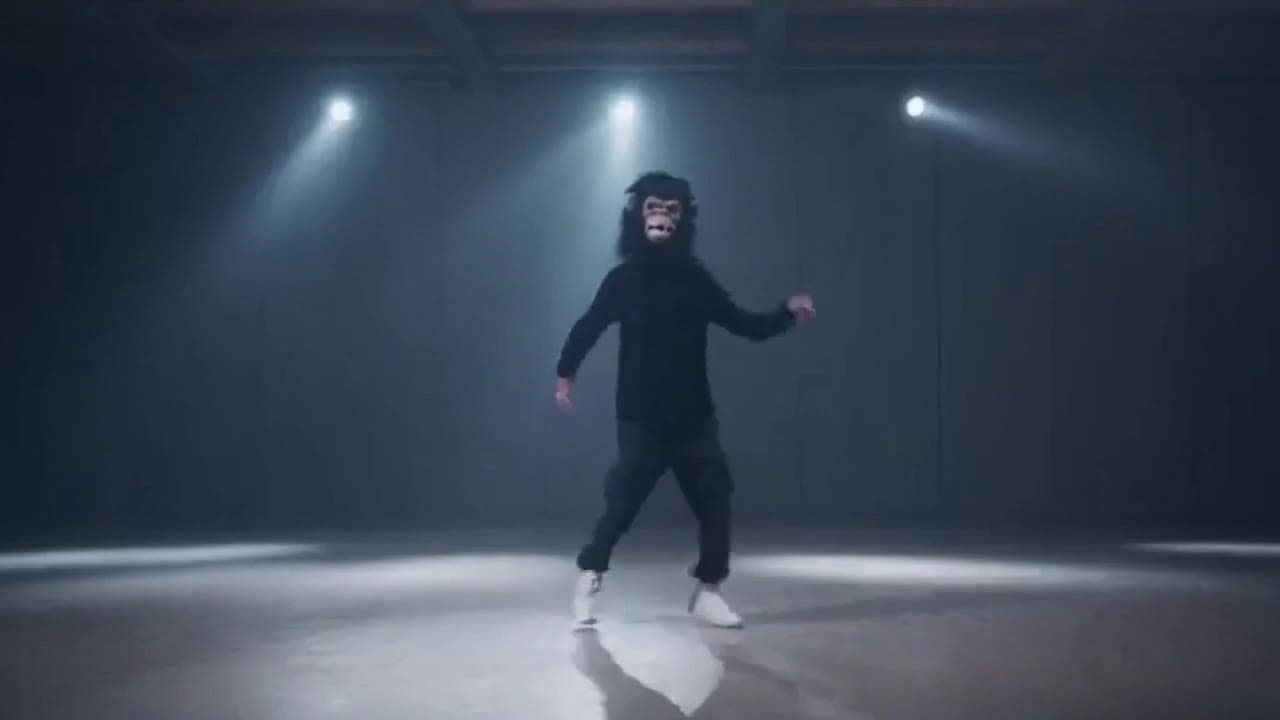
Sora 2 gorilla dance video example with strobe lighting
This Sora 2 watch page shows a gorilla-mask dance prompt rendered with strobe lighting, changing camera angles, native audio and a 16:9 output.
 OpenAI Sora 2
Sora 2 mouse hallway escape video example
This Sora 2 page showcases a mouse-style hallway escape prompt with audio, obstacle timing and a compact narrative sequence.