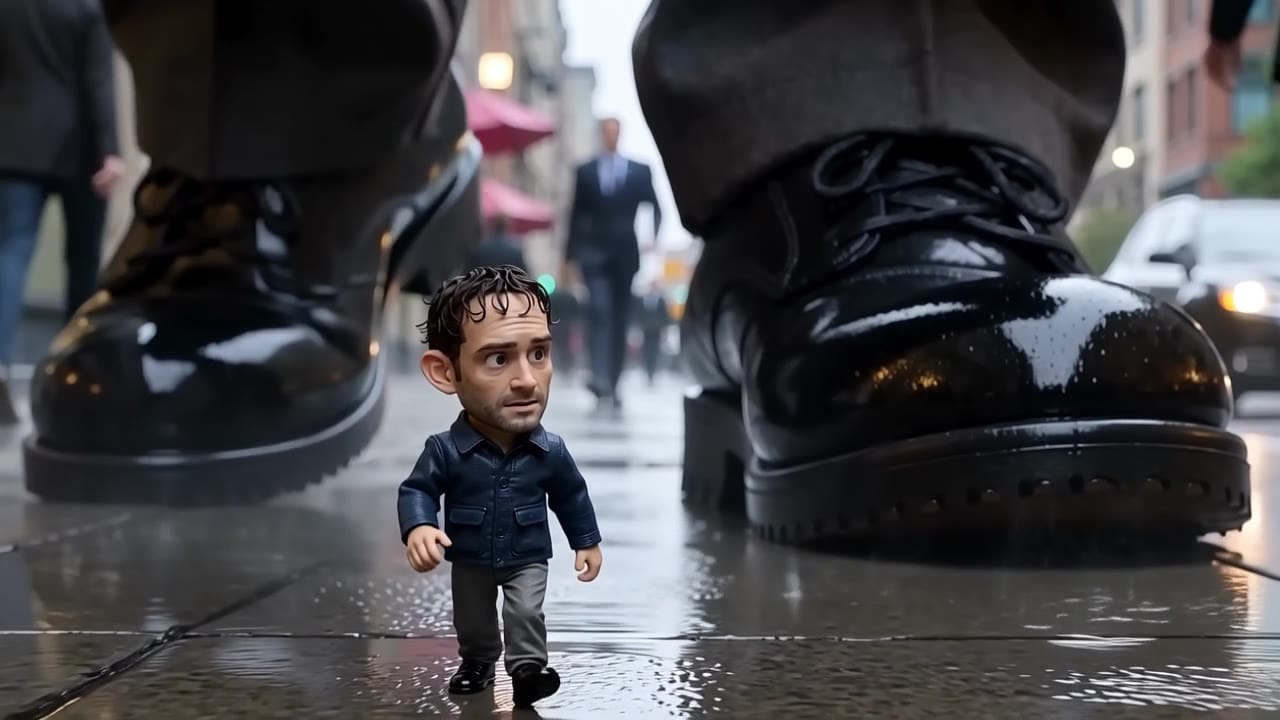
UNIFIED AUDIO VIDEO ROUTE

Happy Horse 1.0

Native audio, lip-sync, R2V references and video editing inside one unified AI video route.

Use Happy Horse 1.0 when a shot needs audio and edit control in the same route: text-to-video, image-to-video, R2V references and video-to-video adjustments for production experiments.

Happy Horse 1.0 native audio reference-guided video example
Native audio
R2V1080p

Happy Horse 1.0 example

Native-audio reference-guided video route

View render

Native audio

Generate dialogue, ambience and SFX with the render when the route supports it.

Text or image

Start from a scene brief or a still image to lock subject and composition.

R2V references

Use multiple references to guide identity, motion, style or scene details.

Video edit

Modify an existing clip when you need a controlled visual adjustment.

720p or 1080p

Choose the exposed MaxVideoAI resolution before generation.

Pay-as-you-go

See exact live price before you generate.

Happy Horse 1.0 pricing at a glance

Preset native-audio totals - see the exact live price in the app before you generate.

View full pricing

Native-audio workflow

$0.91

5s · 720p

Common production check

$1.82

10s · 720p

Final delivery

$5.46

Most popular

15s · 1080p

Max duration

15s

Up to 1080p

All prices are MaxVideoAI display prices in USD credits for preset scenarios.

Happy Horse 1.0 model demos

Review the model page clips for native audio, lip-sync, and video-edit behavior. Comparison pages intentionally stay text/spec focused for this launch.

View all examples

Real community renders

See what's possible with Happy Horse 1.0.

Recreate any shot

Jump into the app with one click and reuse the setup.

Native audio

Dialogue, ambience and SFX generated in sync.

Multi-shot continuity

Keep characters, style and scene consistency across sequences.

Production-aware

Built-in guardrails and safety filters for responsible review.

Happy Horse or Seedance?

Use Happy Horse when native audio, lip-sync and route flexibility matter. Use Seedance 2.0 for current Seedance production continuity.

Compare Happy Horse vs Seedance

Working from references?

Assign each file one job: identity, wardrobe, movement, environment or audio mood.

Open Prompt Lab

Need another audio-native route?

Compare with Veo when you are choosing between cinematic Google output and a flexible audio-video workflow.

Compare Happy Horse vs Veo

Prompt Lab — Happy Horse 1.0

How Happy Horse 1.0 uses references

Text-to-video

Write the subject, action, camera, style and audio beats in a compact brief.

Image-to-video

Use a still image to anchor subject, product, wardrobe or composition.

R2V references

Give each reference one role so identity, movement and environment do not conflict.

Video edit

Use source video when the job is to change look, pacing or detail without starting over.

Audio handling

Keep dialogue short and tie SFX to visible actions for cleaner synchronized output.

Global principles

    Engine quirks / what to watch for

      Demo prompt - Happy Horse 1.0

      Text-to-video

      Subject: Museum curator in a portrait gallery  •  Action: Walks through as painted faces come alive
      Camera: Smooth dolly through the gallery  •  Style: Surreal realism, dawn light, marble reflections and soft dust
      Audio: Quiet museum ambience, no dialogue

      View full prompt
      A museum curator walks through a dawn-lit portrait gallery as painted faces come alive and change expressions. Smooth dolly camera, marble reflections, soft dust, surreal realistic atmosphere, cinematic lighting, 15 seconds, 16:9.
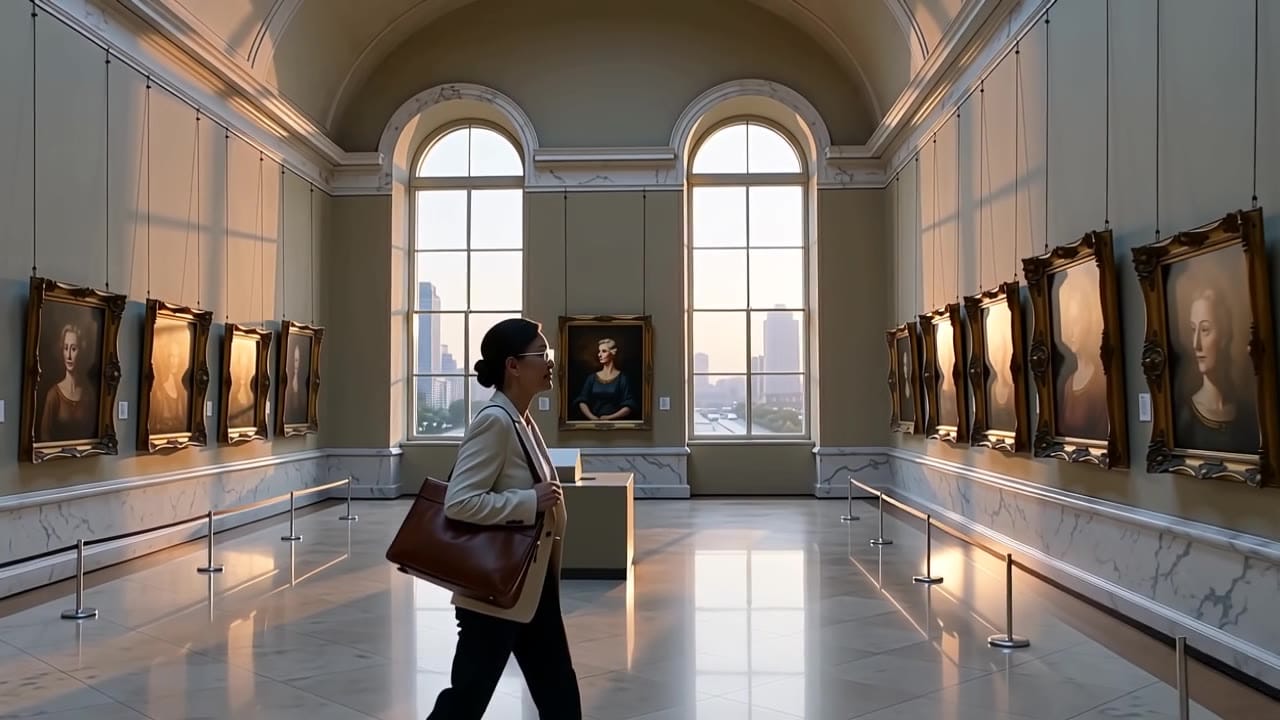
      10s16:9Audio on
      Happy Horse 1.0 AI video example: Demo prompt - Happy Horse 1.0
      10s16:9
      View full render

      Tips and boundaries

      Best practices, common fixes, and important limitations to help you get the strongest results with Happy Horse 1.0.

      What works best

      • Use T2V for fresh ideas and spokesperson-style native audio shots.
      • Use I2V when a key visual or first frame is already approved.
      • Use R2V when identity, wardrobe, product shape, or character continuity matters.
      • Use V2V when the source clip has the right motion but needs a new look or direction.

      Common problems → fast fixes

      • Feels random / inconsistent → simplify to: subject + action + camera + lighting. Re-run 2–3 takes.
      • Motion looks weird → reduce movement: one camera move, slower action, fewer props.
      • Subject drifts off-brand → start from a reference image and lock palette + lighting.
      • Text looks wrong → avoid readable signage, tiny UI, micro labels. Keep text off-screen.
      • Dialogue drifts → keep lines short and punchy; avoid long monologues.

      Hard limits to keep in mind

      • Output is short-form (15s output (3-60s source for video edit)). For longer edits, stitch multiple clips.
      • Resolution tops out at 1080p for this tier.
      • No fixed seeds — iteration = re-run + refine.

      Compare Happy Horse 1.0 vs other AI video models

      These side-by-side comparisons break down price, resolution, audio, speed, and motion style so you can pick the right engine fast.

      Each page includes real outputs and practical best-use cases.

      Happy Horse 1.0 vs Seedance 2.0

      Compare against Seedance when the decision is unified reference control, native audio behavior, and multi-shot generation.

      Compare Happy Horse vs Seedance 2.0 ->

      Technical overview

      The limits that shape your renders.

      View full specs

      Price / second

      720p $0.18/s1080p $0.37/s

      Text-to-Video

      Supported

      Image-to-Video

      Supported

      Video-to-Video

      Supported (video edit)

      Start / reference image

      Supported (1-9 reference stills)

      Reference video

      Supported (source clip for video edit)

      Max resolution

      1080p

      Max duration

      15s output (3-60s source for video edit)

      Aspect ratios

      16:9 / 9:16 / 1:1 / 4:3 / 3:4

      FPS options

      24 fps

      Output format

      MP4

      Audio output

      Supported

      Native audio generation

      Supported

      Lip sync

      Supported

      Camera / motion controls

      Basic

      Watermark

      No (MaxVideoAI)

      Technical overview

      Details
      • Workflows: Text-to-video, image-to-video, R2V reference-image generation, and video edit are exposed as one model in MaxVideoAI.
      • Duration: 3-15 s for generation outputs; video edit accepts 3-60 s source clips and caps output to the first 15 s.
      • Resolution: 720p or 1080p
      • R2V references: 1-9 images, addressed as character1 through character9 in the prompt.
      • V2V edit: One source video, optional reference images up to five, and audio handling set to auto or origin.
      • Audio: Native synchronized audio and lip-sync are treated as part of the generation.

      Safety & people / likeness

      Built-in safeguards and best practices for responsible creation with Happy Horse 1.0.

      • Use original characters and owned references.
      • Avoid real people, celebrities and protected characters.
      • Do not use someone's likeness without consent.
      • Avoid copyrighted franchises, logos and protected IP.

      FAQ

      What inputs does Happy Horse 1.0 support?

      MaxVideoAI exposes Happy Horse 1.0 as one model with text-to-video, image-to-video, R2V reference images, and video-to-video edit workflows.

      Does Happy Horse support lip-sync?

      Yes. Happy Horse is treated as a native-audio model with synchronized speech and lip-sync integrated into the generation flow.

      Why is V2V priced differently?

      Happy Horse video edit is billed at a combined input/output rate, so V2V is double the standard per-second price for the same resolution.