
OpenAI Sora 2 audio-enabled video example: Logline A short cinematic product story
This OpenAI Sora 2 text to video example shows Logline A short cinematic product story. It highlights audio-enabled output with 12-second timing · 16:9 output.
Prompt breakdown
Prompt used to generate this render.
Logline A short, cinematic product story for an AI-powered camera app, ending on a clean brand frame. Global style and format 16:9, 1920x1080, photorealistic with a slightly cinematic look. Intended use: YouTube pre-rol…Show full promptHide full prompt
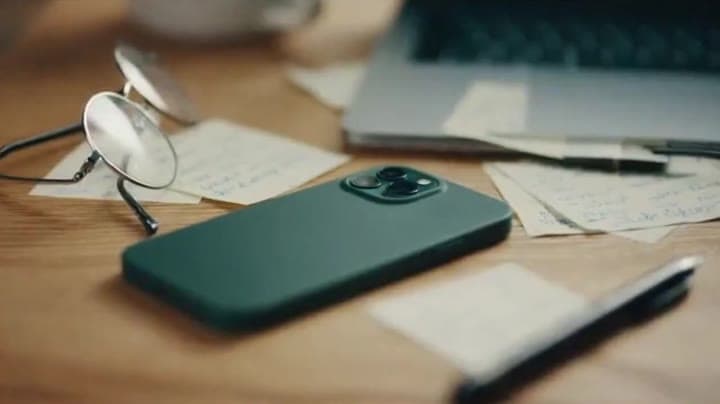
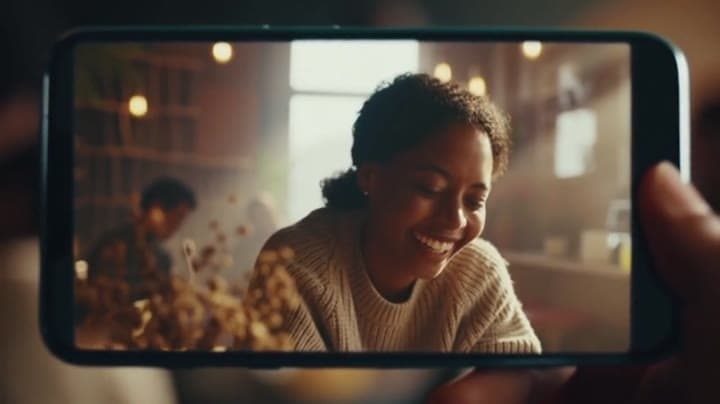
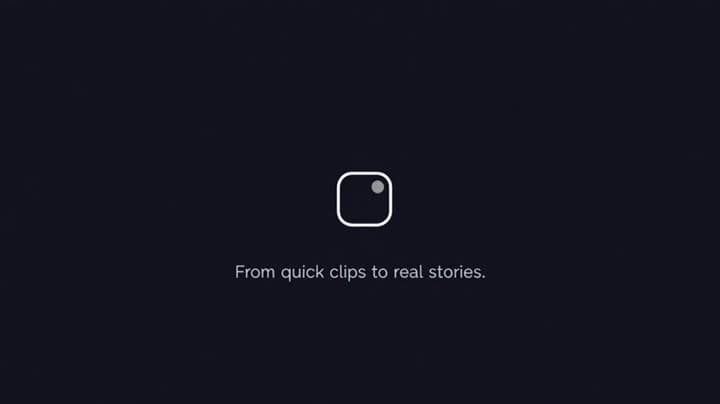
Logline A short, cinematic product story for an AI-powered camera app, ending on a clean brand frame. Global style and format 16:9, 1920x1080, photorealistic with a slightly cinematic look. Intended use: YouTube pre-roll and website hero section. Total duration: 12 seconds. Shot 1 – 0–3s: Everyday chaos Interior, morning. A cluttered desk with a laptop, scattered notes and a smartphone face-down. Soft daylight from a window on the left. The camera slowly moves in towards the phone as light notification sounds ping faintly in the background. Shot 2 – 3–6s: Capture moment Cut to a handheld shot from the user’s point of view, holding the phone up to capture a quick video of a friend laughing in a café. Background is softly blurred, warm natural light, realistic skin tones, no specific identity or celebrity. The moment feels spontaneous and honest. Shot 3 – 6–9s: AI magic Cut to an over-the-shoulder shot of the phone screen. The user taps a clean, generic “Enhance with AI” button. The video preview on the screen sharpens, colours balance, and the clip reorganises into a smooth, cinematic sequence. The interface is modern and minimal, with no real brand names or logos. Shot 4 – 9–12s: Brand frame Fade to a simple dark background with the app’s logo in the centre and a short tagline underneath: “From quick clips to real stories.” Minimal motion, subtle vignette, no extra effects. The logo and tagline are sharp and easy to read. Audio Generate synchronized audio: - Soft room tone and light notification pings in Shot 1. - Natural café ambience and a short, genuine laugh in Shot 2. - A clean, modern electronic track starts quietly in Shot 2, builds gently through Shot 3, and lands softly on the logo frame in Shot 4. No voiceover.
Workflow
Text to video
Camera
Audio Enabled
Output
12s · 16:9
Recorded render cost
$1.56
Audio
Enabled
Constraints
Text To Video, Audio Enabled
Prompt improvement notes
Note 1
Keep the subject, camera move, lighting, duration, aspect ratio and audio requirement grouped so the render has one clear production brief.
Note 2
Change one variable at a time when cloning this prompt: model, duration, camera motion or reference input. That makes quality and price differences easier to compare.
Note 3
Add a short negative prompt if you need to block text overlays, logos, distorted hands, face warping or unwanted camera shake.
Compare this model
Review this example beside nearby engines before choosing a render path.
Why OpenAI Sora 2 fits this shot
OpenAI Sora 2 handles cinematic narratives with lip-sync and audio - ideal for hero renders.
Audio native
Cinematic
Remix
Key frames
Related examples
View all examples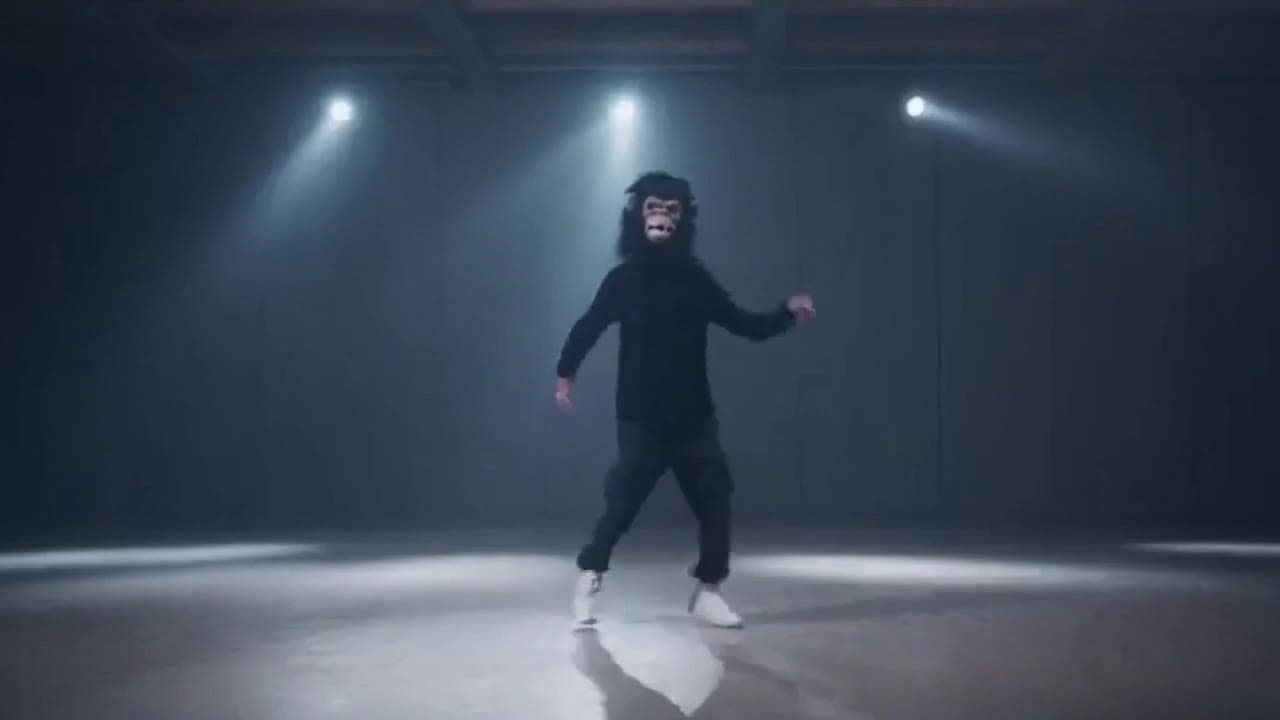 OpenAI Sora 2
Sora 2 gorilla dance video example with strobe lighting
This Sora 2 watch page shows a gorilla-mask dance prompt rendered with strobe lighting, changing camera angles, native audio and a 16:9 output.
 OpenAI Sora 2
Sora 2 mouse hallway escape video example
This Sora 2 page showcases a mouse-style hallway escape prompt with audio, obstacle timing and a compact narrative sequence.
 LTX 2.3 Pro
LTX 2.3 Pro rooftop lightning fashion shot example
This LTX 2.3 Pro page shows a rooftop fashion prompt with storm lighting, neon city atmosphere and cinematic subject isolation.
 Wan 2.5 Text & Image to Video
Wan 2.5 vertical spy-to-Zoom comedy video example
This Wan 2.5 watch page shows a vertical comedy prompt that opens like a spy action scene and ends with a Zoom-call reveal.