
Pro workflow
$0.47
6s · 1080p
LTX PRODUCTION WORKFLOW ROUTE
Audio-led workflows, Extend and Retake controls, and 4K generate passes for production video.
Use LTX 2.3 Pro when the LTX job needs more than a draft: text or image generation, audio-to-video, source video extension and selective retake controls in one production route.
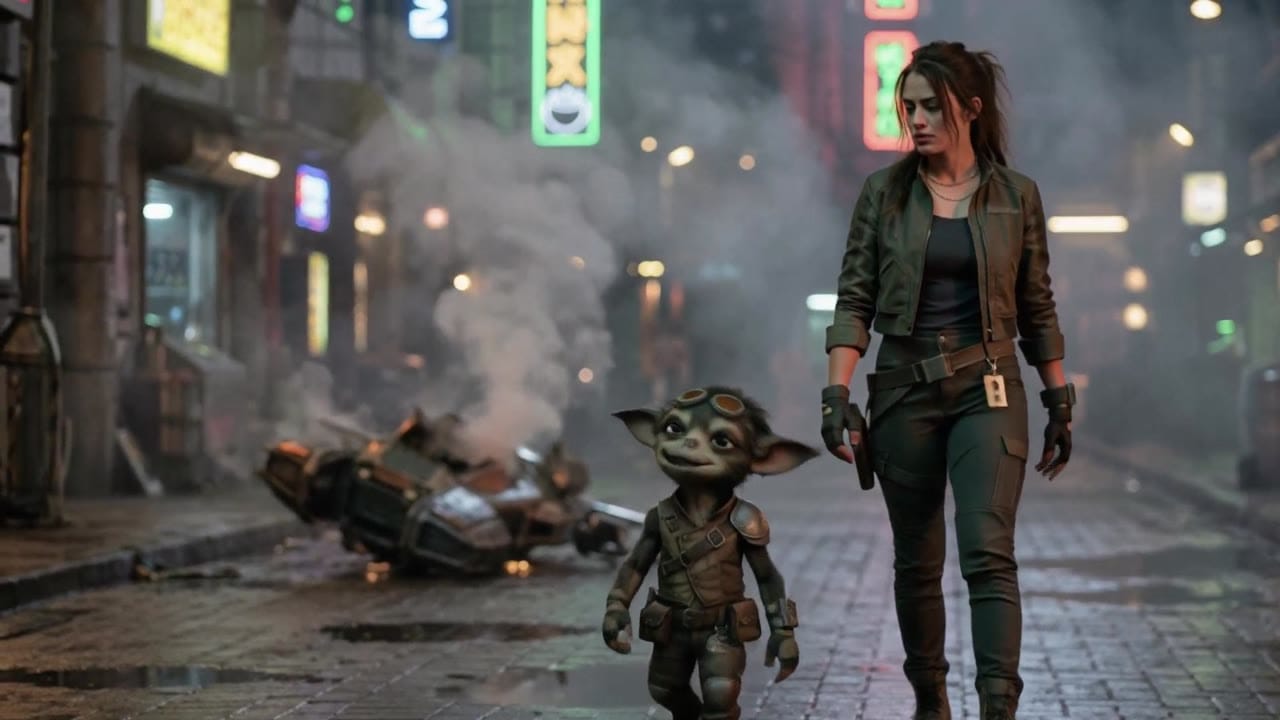
LTX 2.3 Pro example
Production workflow render
Text and image video
Generate new shots from prompts or start images with optional end frames.
Audio-to-video
Use an uploaded audio file as timing input when sound drives the motion.
Extend
Continue a source video at the start or end with context controls.
Retake
Replace a selected section instead of regenerating the full clip.
Up to 4K generate
Use higher resolutions for approved generate passes.
Pay-as-you-go
See exact live price before you generate.
Preset production totals - see the exact live price in the app before you generate.
$0.47
6s · 1080p
$1.25
Most popular8s · 1440p
$3.12
10s · 4k
20s
20s route; generate presets vary by mode
All prices are MaxVideoAI display prices in USD credits for preset scenarios.
Representative LTX 2.3 Pro examples for reviewing audio-led motion, extension, retake and higher-resolution production workflows.
See what's possible with LTX 2.3 Pro — current LTX model for audio, extend and retake workflows.
Jump into the app with one click and reuse the setup.
Dialogue, ambience and SFX generated in sync.
Keep characters, style and scene consistency across sequences.
Built-in guardrails and safety filters for responsible review.
Use Fast for simple draft loops. Use Pro when the job needs audio input, extension, retake or higher-resolution production control.
Use Extend when you need more footage, or Retake when one section needs replacement.
Compare LTX 2.3 Pro with Veo 3.1 when deciding between editorial controls and premium short-video polish.
LTX 2.3 Pro changes shape depending on the job. Prompt fresh generation, audio-led animation, extend, and retake differently instead of using one universal template.
Use text or a start image for the base shot, with optional end-frame guidance.
Upload audio when rhythm, dialogue or music should drive the visual timing.
Continue a source clip before or after the current footage.
Target a broken time window and replace audio, video or both.
Use higher-resolution generate settings after the route and prompt are approved.
Use when LTX is creating a fresh shot from text or a start image.
Subject:
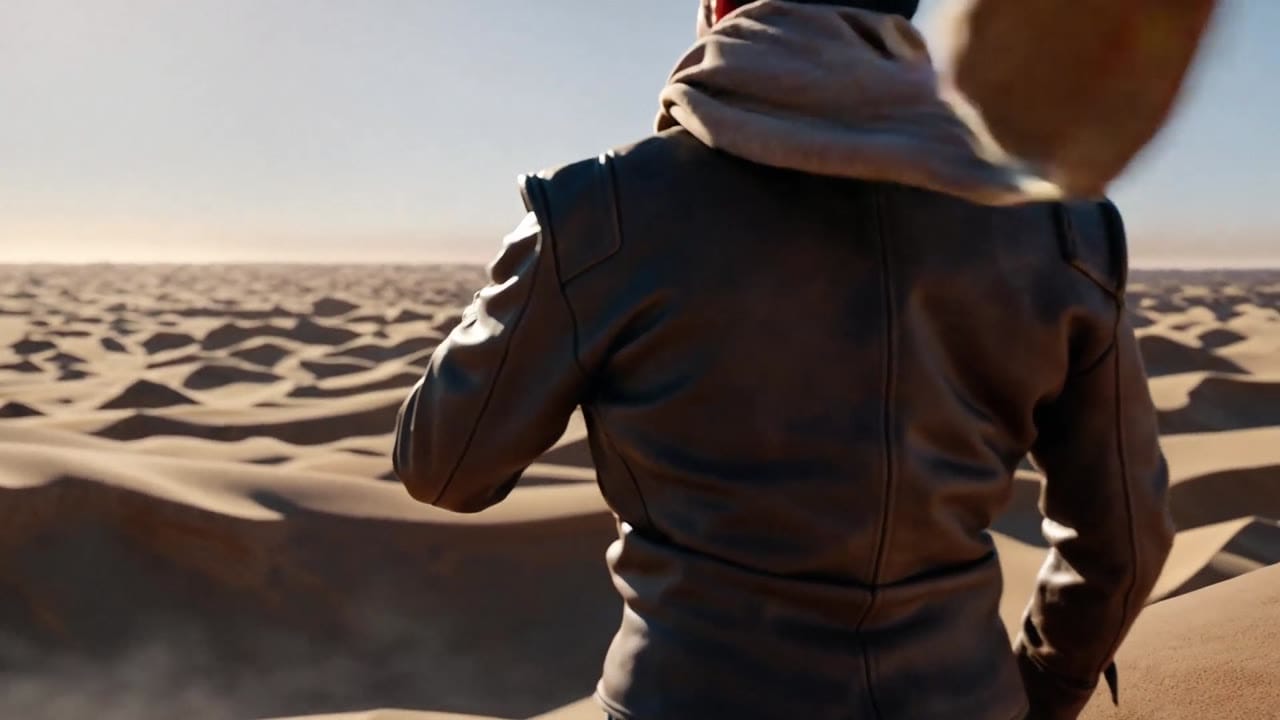
Rugged desert adventurer holding an ancient brass compass at golden hour.

Action:
He opens the compass and a glowing dust-map unfolds above it.

Camera:
Wide rear establishing shot over dunes, then a slow push-in to his eyes reflecting the map.

Look:
Warm sun, drifting dust, bronze textures, clean premium adventure-film grade.

Audio:
Desert wind, soft metallic compass click, low atmospheric rumble.

Format:
10 seconds, 16:9, no text, no logos.
Subject: Adventurer at a desert cliff • Action: Opens an ancient compass that reveals a glowing map
Camera: Wide rear shot, then slow push-in toward the eyes • Style: Golden hour, drifting dust, bronze textures, premium adventure tone
Audio: Desert wind, metallic compass click, low atmospheric rumble
A rugged adventurer stands on the edge of a vast desert cliff at golden hour, sunburned face, worn leather jacket, scarf moving in the wind. He opens an ancient brass compass in his hand, and a glowing map made of floating light and dust unfolds above it, illuminating his face and the sand around him. The camera starts wide behind him to show the endless dunes, then pushes in slowly as he raises the compass, ending on a dramatic close view of his eyes reflecting the glowing map. Warm sun, drifting dust, rich bronze textures, epic but clean composition, premium cinematic adventure tone, simple and iconic. Wind over the dunes, faint metallic click from the compass, low atmospheric desert rumble, no text, no logos, no watermark.
Before you generate
Lock the character, fix the viewpoint, or build the source still before you spend credits on motion.
Best practices, common fixes, and important limitations to help you get the strongest results with LTX 2.3 Pro.
These side-by-side comparisons break down price, resolution, audio, speed, and motion style so you can pick the right engine fast.
Each page includes real outputs and practical best-use cases.
Generate fast AI video with LTX 2.3 Fast on MaxVideoAI. Text and image workflows support 6–20s clips, 1080p/1440p/4K, native audio, and 25/50 fps options.
Compare LTX 2.3 Pro vs LTX 2.3 Fast →Generate fast cinematic AI videos with LTX-2 Fast. Text and image to video with synchronized audio, up to 4K, ideal for rapid iteration and social content.
Compare LTX 2.3 Pro vs LTX Video 2.0 Fast →Create rich AI-generated videos from text or image prompts using Sora 2. Native voice-over, ambient effects, and motion sync via MaxVideoAI.
Compare LTX 2.3 Pro vs OpenAI Sora 2 →The limits that shape your renders.
Text-to-Video and Image-to-Video are the broadest modes: 6 to 10 seconds, 1080p to 4K, vertical or landscape, with native audio available.
The biggest difference versus simpler engines is not just image quality. It is that LTX 2.3 Pro covers timing-led animation and source-clip edits from the same page.
Built-in safeguards and best practices for responsible creation with LTX 2.3 Pro.
LTX 2.3 Pro adds a unified workflow surface around generate modes plus Audio-to-Video, Extend and Retake, while also supporting 16:9 and 9:16 in the generate flows.
Extend continues a source video before or after the existing footage. Retake replaces a selected section inside the source video, with controls for start time, duration and replacement mode.
Yes. Text-to-Video and Image-to-Video expose a native audio toggle, and Audio-to-Video uses an uploaded audio file as the driving input.
No. LTX 2.3 Fast is limited to text-to-video and image-to-video in the current MaxVideoAI route.
Use the pricing card for preset MaxVideoAI display totals, then confirm the exact live quote in Generate. Price varies by workflow, duration, resolution, fps and audio settings.
4K, 9:16 and fps controls are scoped to standard Text-to-Video and Image-to-Video generate modes in the current route. Audio-to-Video, Extend and Retake can have workflow-specific limits.


