
Google Veo 3.1 audio-enabled video example: city close-up
This Google Veo 3.1 text to video example shows city close-up. It highlights audio-enabled output with 8-second timing · 16:9 output.
Prompt breakdown
Text-to-video prompt used to generate this render.
Subject
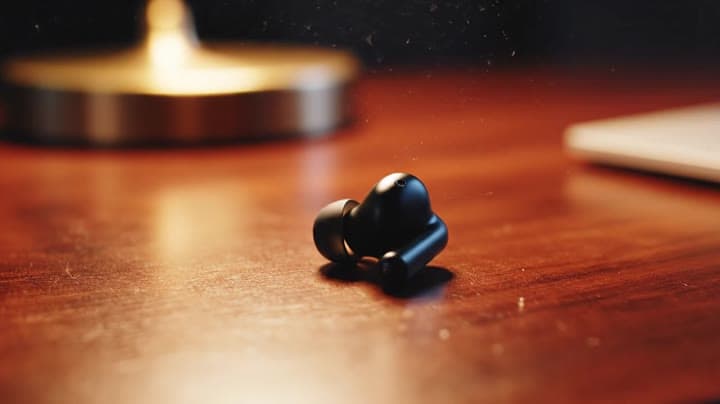
Shot 1 (0–3 s): macro close-up of one earbud rotating slowly on a wooden desk, shallow depth of field, warm desk lamp glow. Shot 2 (3–6 s): medium shot of a young professional putting the earbuds in before stepping onto…
Workflow
Text to video
Camera
Close Up
Output
8s · 16:9
Audio
Enabled
Constraints
Text To Video, Audio Enabled, Close Up
Show full promptHide full prompt
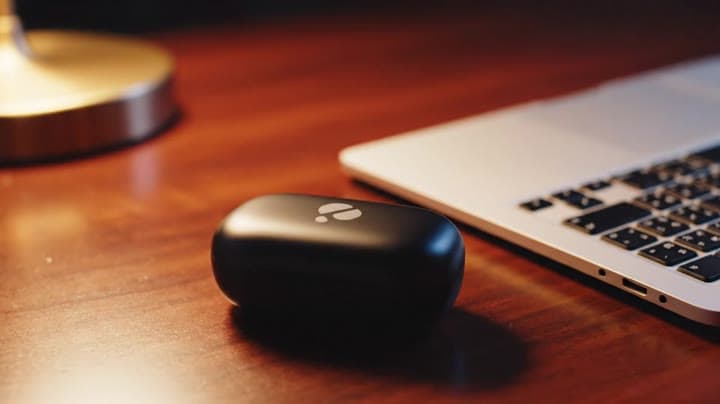
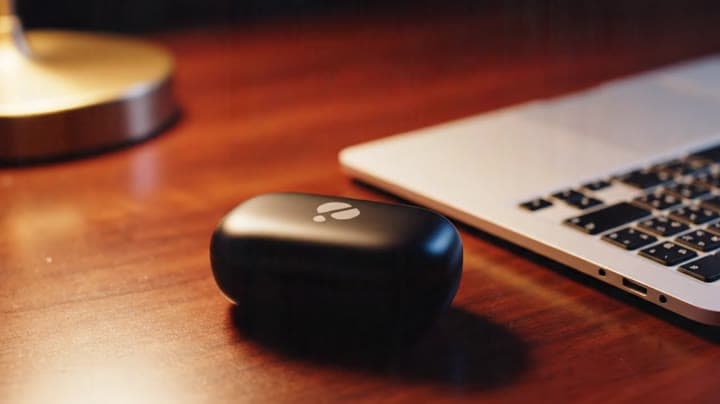
Shot 1 (0–3 s): macro close-up of one earbud rotating slowly on a wooden desk, shallow depth of field, warm desk lamp glow. Shot 2 (3–6 s): medium shot of a young professional putting the earbuds in before stepping onto a busy city street, subtle bokeh lights. Shot 3 (6–8 s): close-up of the charging case clicking shut next to a laptop, soft logo reflection in the lid. Camera: smooth dolly moves between shots, handheld feel but not shaky. Lighting: evening, warm indoors transitioning to cool street light, gentle film grain. Audio: city ambience low in the mix, soft electronic music bed, short VO line: “Block the noise, keep the focus.” No subtitles. Negative: no brand names, no on-screen text, no extreme wide angles.
Why Google Veo 3.1 fits this shot
Veo 3.1 now handles prompts, single-image animation, multi-reference guidance, first/last bridging, and clip extension in one engine.
Text prompts
Reference mode
Audio native
Key frames
Related examples
View all examples Google Veo 3.1
LTX 2.3 Pro rooftop lightning fashion shot example
This LTX 2.3 Pro page shows a rooftop fashion prompt with storm lighting, neon city atmosphere and cinematic subject isolation.
 Google Veo 3.1
Veo 3.1 Fast FPV apartment commercial example
This Veo 3.1 Fast example uses an FPV-style camera move to reveal a staged apartment commercial with sound and polished lighting.
 Google Veo 3.1
Veo 3.1 Fast living room TV commercial example
This Veo 3.1 Fast watch page shows a bright living-room TV commercial prompt with native audio, controlled staging and a 16:9 ad format.
 Google Veo 3.1
Wan 2.5 vertical spy-to-Zoom comedy video example
This Wan 2.5 watch page shows a vertical comedy prompt that opens like a spy action scene and ends with a Zoom-call reveal.