
Google Veo 3.1 Fast audio-enabled video example: city
This Google Veo 3.1 Fast text to video example shows city. It highlights audio-enabled output with 6-second timing · 16:9 output.
Prompt breakdown
Text-to-video prompt used to generate this render.
Subject
6 second vertical loop of a young woman working late at a minimalist desk in front of a big window, city lights blurred in the background. Camera: slow handheld drift left and right, staying on her face and laptop. Ligh…
Workflow
Text to video
Camera
Audio Enabled
Output
6s · 16:9
Audio
Enabled
Constraints
Text To Video, Audio Enabled
Show full promptHide full prompt
6 second vertical loop of a young woman working late at a minimalist desk in front of a big window, city lights blurred in the background. Camera: slow handheld drift left and right, staying on her face and laptop. Lighting: cool blue from outside, warm desk lamp on her hands. Audio: quiet typing, distant city hum, no dialogue.
Why Google Veo 3.1 Fast fits this shot
Veo 3.1 Fast now handles quick prompts, image-to-video, 8s reference mode with 1-4 stills, first/last transitions, and extend runs with optional audio.
Text prompts
Reference mode
Audio option
Key frames



Related examples
View all examples Google Veo 3.1 Fast
Veo 3.1 Fast FPV apartment commercial example
This Veo 3.1 Fast example uses an FPV-style camera move to reveal a staged apartment commercial with sound and polished lighting.
 Google Veo 3.1 Fast
Veo 3.1 Fast living room TV commercial example
This Veo 3.1 Fast watch page shows a bright living-room TV commercial prompt with native audio, controlled staging and a 16:9 ad format.
 Google Veo 3.1 Fast
LTX 2.3 Pro rooftop lightning fashion shot example
This LTX 2.3 Pro page shows a rooftop fashion prompt with storm lighting, neon city atmosphere and cinematic subject isolation.
 Google Veo 3.1 Fast
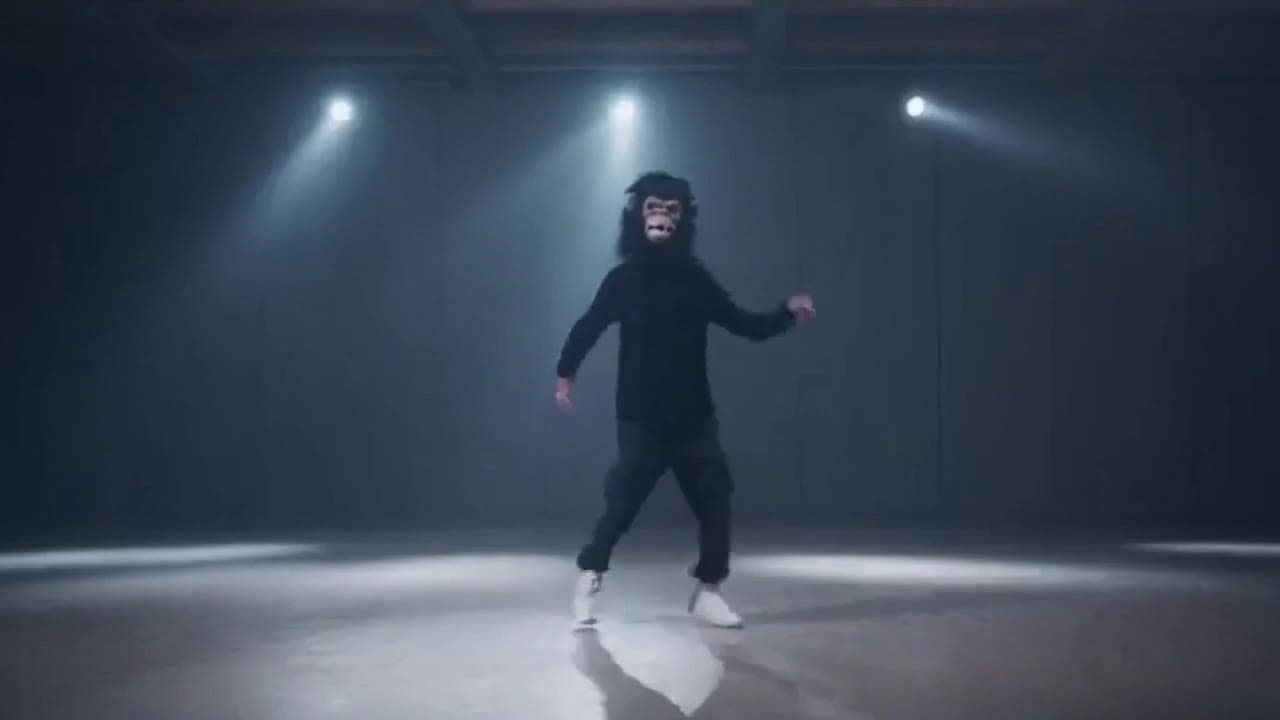
Sora 2 gorilla dance video example with strobe lighting
This Sora 2 watch page shows a gorilla-mask dance prompt rendered with strobe lighting, changing camera angles, native audio and a 16:9 output.